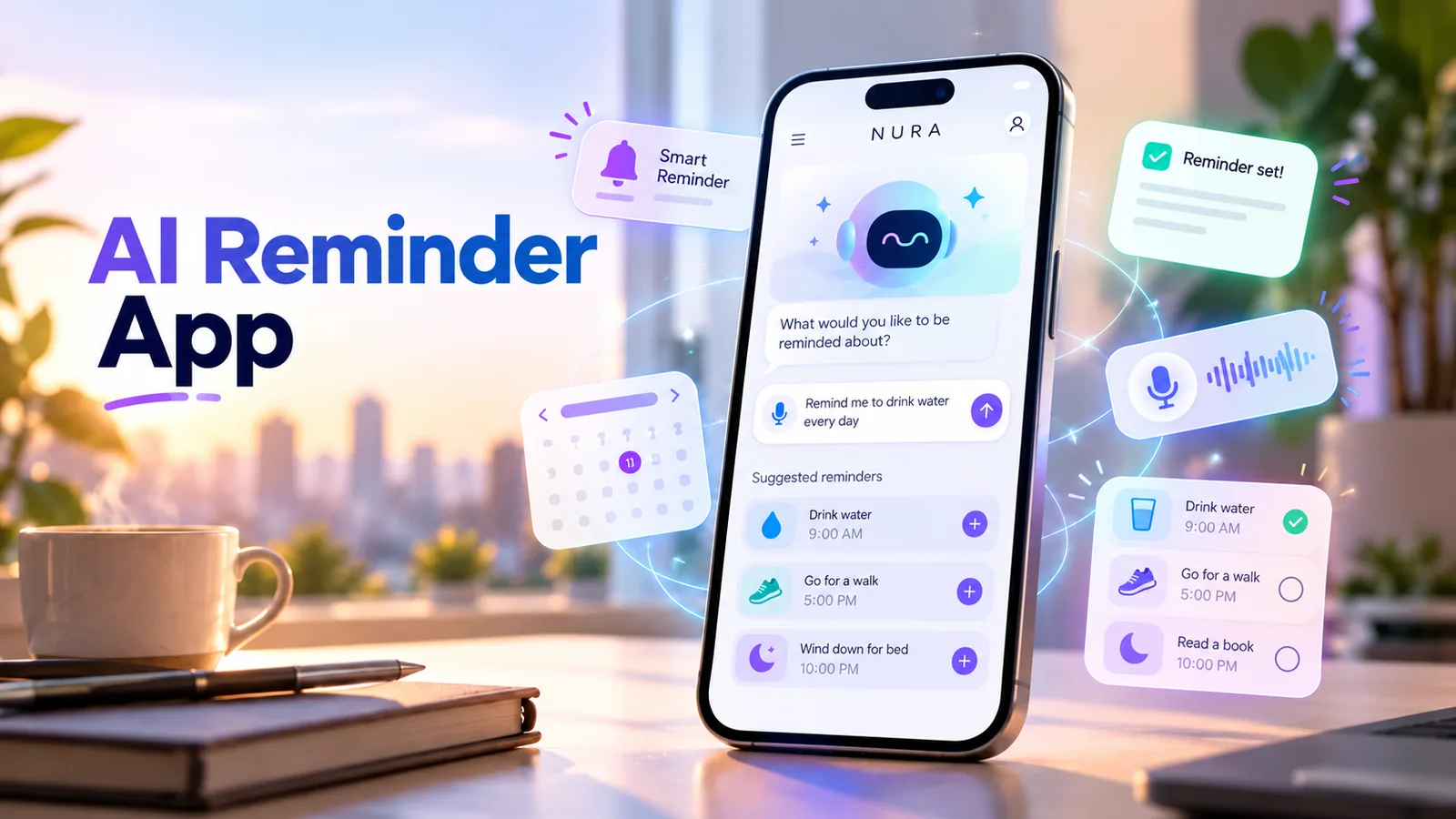
What does an AI reminder app actually do?
An AI reminder app helps turn a sentence in your own words into a saved item with a clear title and the right time. The useful part is not that an assistant understands “tomorrow after lunch.” It is that you can see exactly which day, time and notification settings it interpreted before you depend on the result.
For NURA, reminders are part of a wider planner. You can use conversational input and, where an action is proposed, review and confirm it. The NURA app also has a reminders area and a Today view for checking upcoming items. A chat reply by itself is not proof that a phone notification has been scheduled.
- Capture naturally: “Remind me to call the dentist on Thursday at 4 PM.”
- Check the interpretation: the event name, calendar date and local time zone.
- Save or confirm the action, then check it in the app’s planner.
- Enable notifications if you want an alert rather than just an item on a list.
A realistic voice-reminder workflow on iPhone or Android
Imagine you are leaving the grocery store and remember that you need to renew your car registration next week. Instead of opening several fields, open NURA and say: “Remind me next Tuesday at 6 PM to renew my car registration.” That is a good starting request because it names one action and a time.
Review the proposed result carefully. The date on Tuesday depends on when you say the request and your phone’s time zone. If the app asks you to confirm a suggested action, complete that step. Finally open the reminders list to verify the item exists, not just the conversational answer.
- 01
Open NURA on your iPhone or Android phone, and use chat or the available voice-input flow.
- 02
State one specific action and a date/time, for example: “Remind me Friday at 9 AM to pay the water bill.”
- 03
Read the date and time that NURA interpreted. Fix ambiguous phrases such as “later” or “at five.”
- 04
Approve or save the action if a confirmation screen appears.
- 05
Open My Life → Planner → Reminders (or the relevant planner section) to see whether it was saved.
- 06
Check the operating-system notification permission before assuming the phone will alert you.
A stored reminder and a scheduled phone notification are not always the same thing. Verify both.
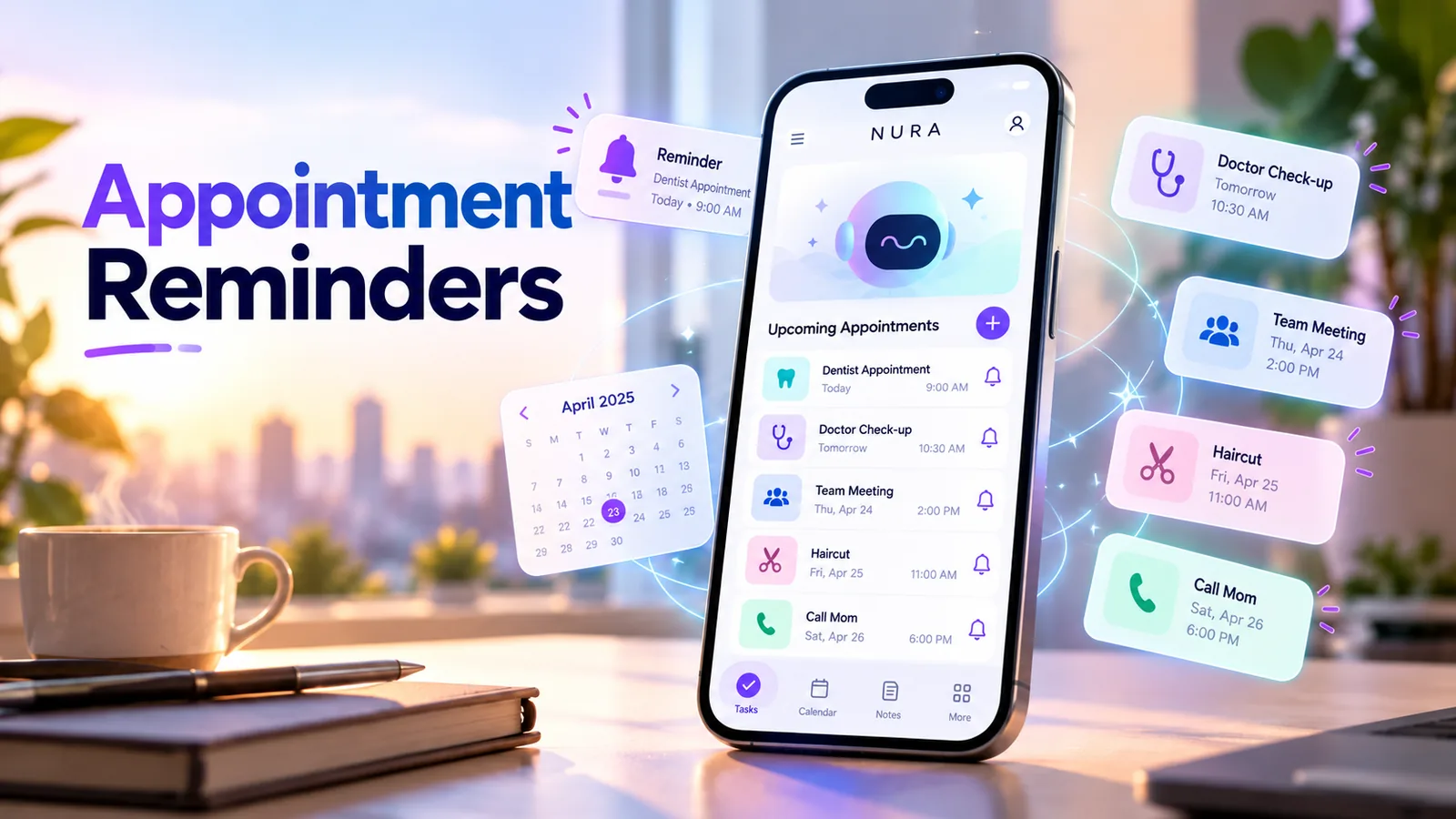
Five checks that prevent missed reminders
Most reminder mistakes are ordinary interpretation problems. “Next Friday” might refer to different dates, “6” might be AM or PM, and a phone that blocks notifications may keep the task but never show an alert. An assistant reduces typing; it does not remove the need for basic checks.
| Check | What to look for | Why it matters |
|---|---|---|
| Title | A single action with a clear object | “Renew car registration” is clearer than “car.” |
| Date | A visible month, day and year | Relative wording can be ambiguous. |
| Time and zone | AM/PM and current device time zone | Travel and daylight-saving changes can affect alerts. |
| Confirmation | A saved item visible in the app | Conversational agreement is not always a completed action. |
| Notifications | Permission enabled and no suppression by settings | A saved planner item may otherwise remain silent. |
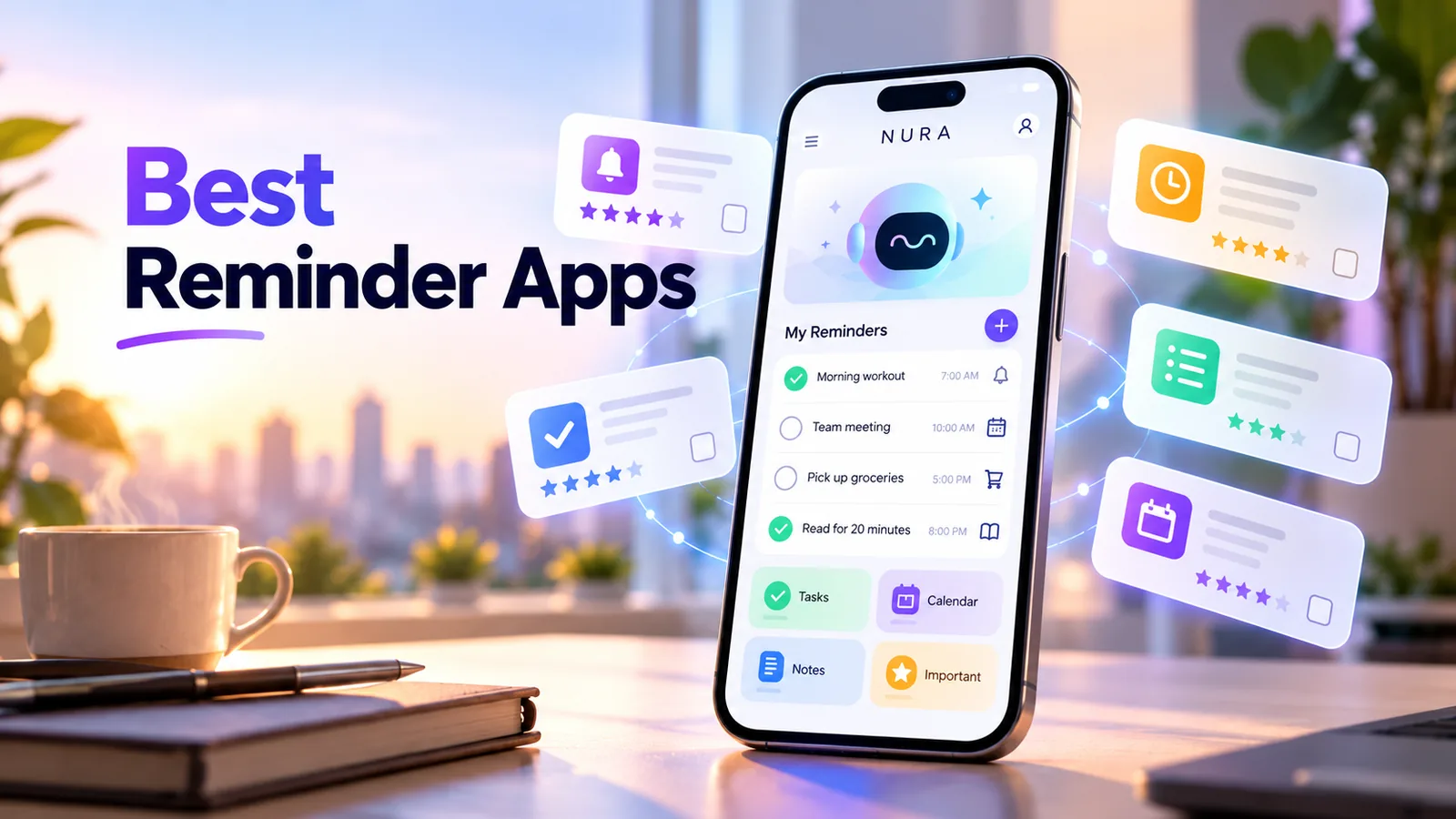
Turn the idea into a real workflow with NURA.
Start free on iOS or Android. Keep the official store link one tap away.
What about daily and repeating reminders?
Repeating reminders are useful for bills, routines and household tasks, but they are also easier to misconfigure. If NURA offers a recurring option for a particular action, inspect the frequency and any end conditions before saving. Not every reminder path needs to support every repeat pattern.
For something important, test the first alert well ahead of the real deadline. Keep any critical appointment or medication instructions in the authoritative source as well. NURA is a personal organizer, not a substitute for professional advice or a medical monitoring device.
- Ask for the exact frequency rather than “regularly.”
- Use a specific local time for routines.
- Review the recurrence settings after saving.
- Recheck notification permissions after changing phones or reinstalling.
Start free. Upgrade when your usage earns it.
These are the current website plans shown in GBP. If you are in the United States, check the price shown in your official app store or the billing screen before purchase; local billing may differ.
Free
50 AI messages · 5 Live Voice min · 2 AI images · 200 MB vault
NURA Plus
500 AI messages · 45 Live Voice min · 10 AI images · 2 GB vault
NURA Pro
1,500 AI messages · 150 Live Voice min · 30 AI images · 10 GB vault
AI reminders vs a regular reminder app
A traditional reminder app is excellent when you already know the exact task and want a simple list. AI becomes useful when the thought is messy: you want to explain a plan, extract an action from a note, or speak naturally instead of navigating forms.
Do not choose an AI reminder app merely because it has AI in the name. Compare how quickly you can create the reminder, whether the confirmation is obvious, how you edit mistakes, and whether the notification actually fires. A reliable basic reminder beats an impressive explanation that never turns into an action.
Keep reminder details useful without oversharing
Most reminders need a title and a time, not an entire sensitive document. Keep private details out of reminder titles when they could appear on a lock screen. For very sensitive topics, use neutral wording or check the phone’s notification-preview settings.
NURA publishes a privacy policy describing its account storage and AI-processing practices. Review it before using reminders involving sensitive information. You can also try the workflow with an ordinary errand before adding anything personal.
Try NURA with one non-sensitive reminder today; confirm it appears under Reminders before relying on it for something important.
Frequently asked questions
Can I set reminders by voice with NURA AI?
NURA offers chat and voice input, with reminder actions and a planner. Review and confirm the action where required, then verify the reminder and phone notification settings.
Why did my AI assistant say yes but no reminder appeared?
A chat response may not be a saved action. Look for a confirmation step and inspect the reminders list. Check notification permissions separately.
Can NURA send a reminder to my iPhone or Android phone?
NURA has device-reminder notification flows, but an alert depends on the action being saved successfully and the device allowing notifications. Check the app and phone settings.
Is an AI reminder app better than Apple Reminders or Google Tasks?
Not necessarily. Traditional tools are often ideal for simple lists. Consider AI when natural-language capture or linking a reminder to your broader daily context saves you time.
NURA AI Editorial Team
Your life, organized by AI.Research and content team for NURA AI. This guide uses current NURA product, billing and privacy information and is updated as the app changes. Important information should still be verified against the live app, store listing, privacy policy and billing page.