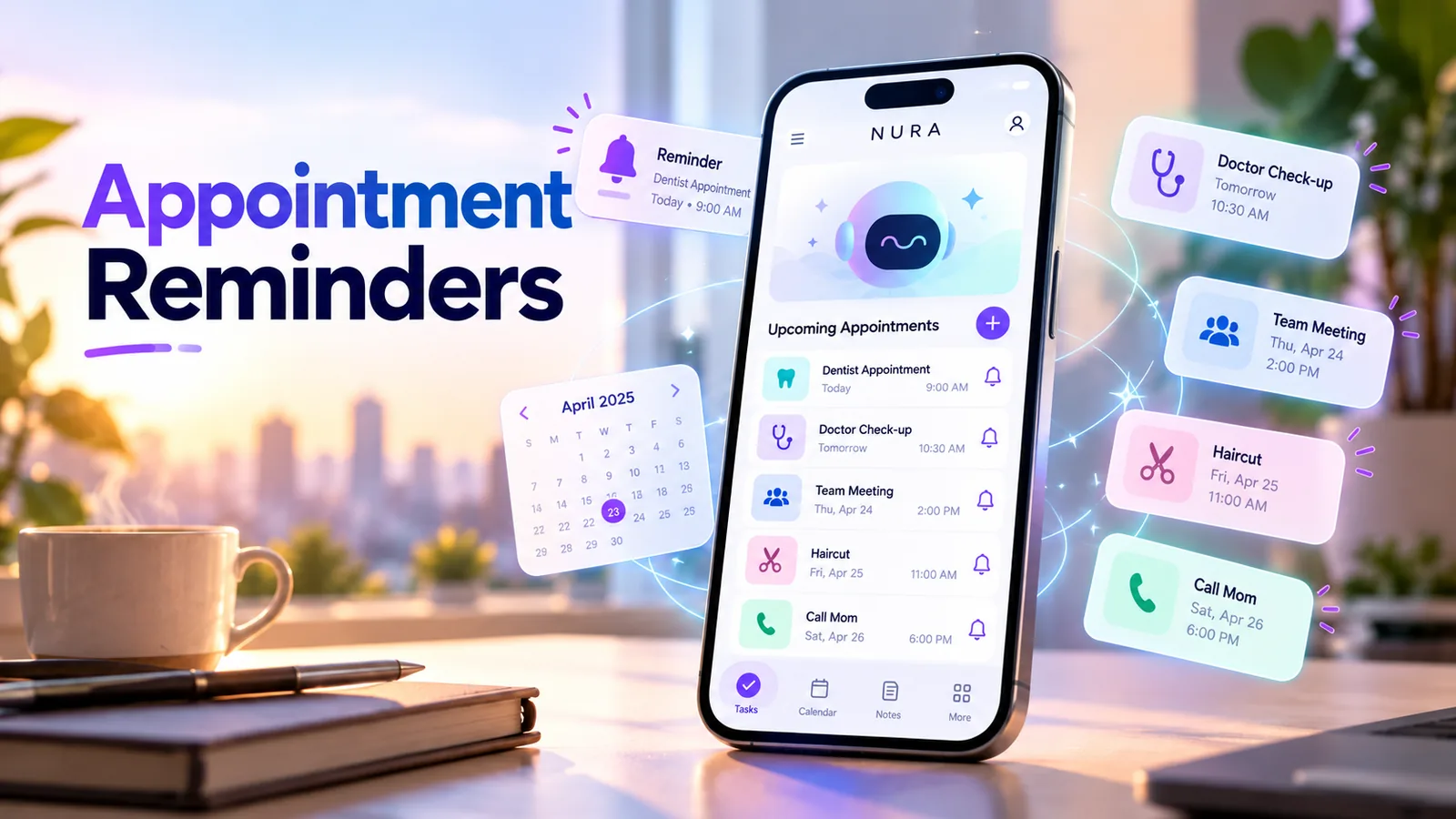
How do you make an appointment reminder actually useful?
The best appointment reminder does more than display a date. It gives you enough warning to prepare, leave home or gather the right documents. A reminder five minutes before a dentist appointment will not help if the journey takes forty minutes.
Treat the appointment as two linked details: when it begins, and what you need to do beforehand. You may want one reminder the evening before to prepare, plus a second alert at a realistic departure time. The exact intervals depend on the appointment and the person, not an arbitrary app default.
Appointment, reminder or task: which one should you create?
An appointment has a fixed start time or a confirmed window. A reminder is an alert that should reach you before an action is due. A task is something you need to do, whether or not a notification is necessary.
For example, "doctor visit Friday at 11 AM" is an appointment; "leave home at 10:15 AM" is a timed reminder; "bring referral paperwork" is a checklist task. Keeping those concepts separate gives you a more dependable plan.
| Item | When to use it | Example |
|---|---|---|
| Calendar event | Confirmed start and end times | Dentist visit, Friday 11 AM |
| Advance reminder | Preparation or departure required | Bring paperwork Thursday evening |
| Departure alert | Travel time matters | Leave by 10:15 AM |
| Follow-up task | Action after an appointment | Call for test results next Tuesday |
How far in advance should reminders be set?
There is no single perfect reminder lead time. For a nearby haircut, a same-day alert may be enough. A medical appointment might require preparation, paperwork and travel. A recurring work meeting may only need a calendar notification if the link and agenda are already accessible.
Use the next-action rule: alert yourself when you can still do something useful. If you need to prepare documents the night before, set an evening reminder. If the main constraint is travel, set an alert before departure. If you must confirm an appointment, schedule the confirmation task independently.
- Evening before: collect documents, directions and any appointment instructions.
- Departure buffer: include actual travel time plus a reasonable cushion.
- At appointment time: keep the booking reference and location easy to open.
- After the visit: capture any follow-up actions while they are still fresh.
Turn the idea into a real workflow with NURA.
Start free on iOS or Android. Keep the official store link one tap away.
A six-step setup on iPhone or Android
You can use any competent reminders app for this system. What matters is the saved result and operating-system notifications, not whether an app uses AI to interpret the request.
- 01
Save the confirmed appointment with its exact date, start time, address and any relevant time zone.
- 02
Add a short preparation checklist and decide whether it deserves its own reminder.
- 03
Estimate departure time and create a separate leave-by alert if required.
- 04
Review the saved items; check for month/day confusion and AM/PM mistakes.
- 05
Enable notifications, then test an ordinary alert on that phone.
- 06
After the visit, mark tasks complete and capture the next follow-up.
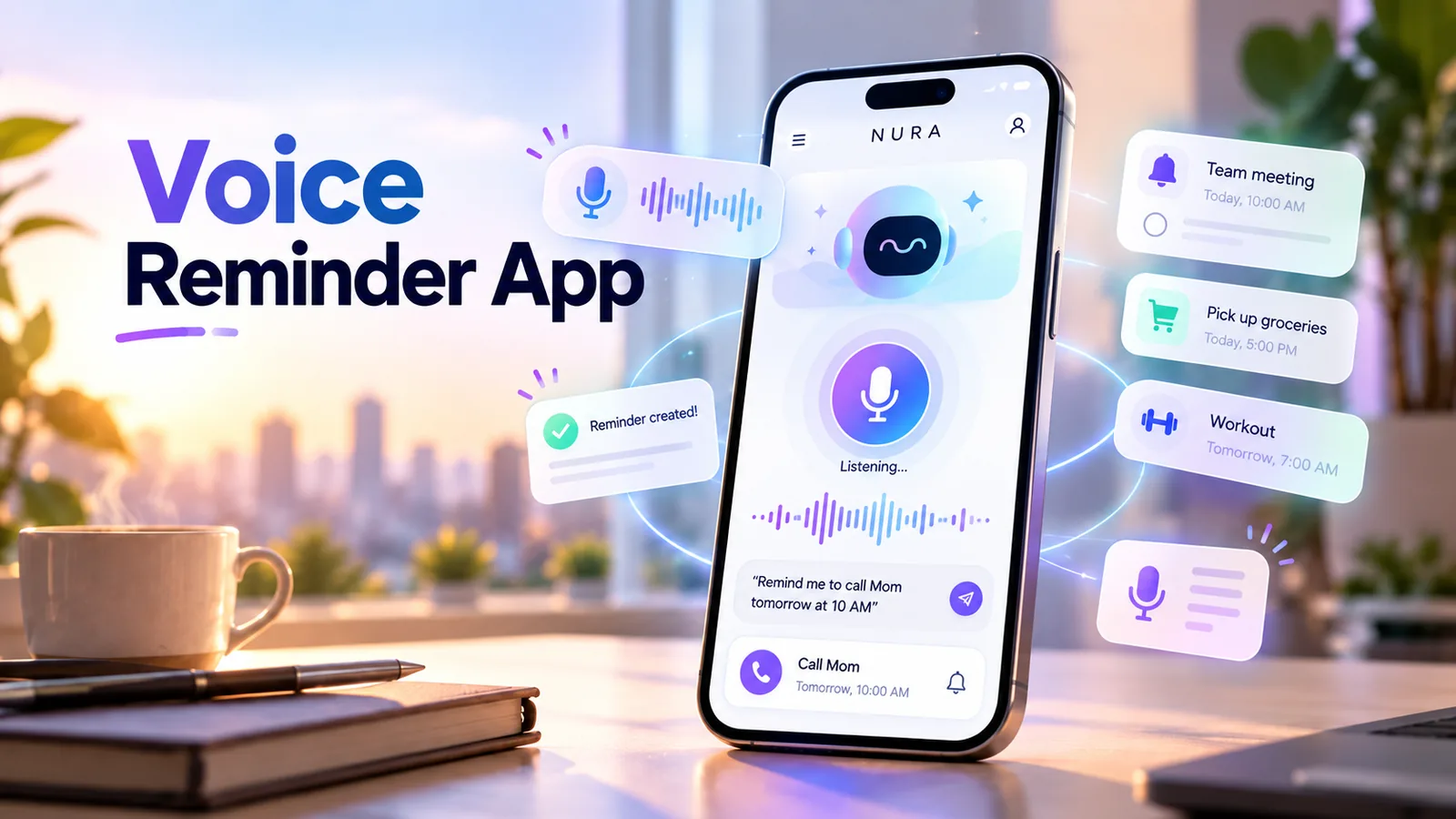
Use voice to capture the appointment, not to skip verification
Speaking can be faster than typing a detailed appointment request. For example, "Remind me on Thursday at 5 PM to confirm my Friday doctor appointment" includes an action, a time and context in one natural sentence.
Speech recognition can still confuse a clinic name, time or calendar date. When using NURA voice messages or live voice, verify the final saved reminder. You should also distinguish a conversational acknowledgment from a successfully scheduled alert.
Start free. Upgrade when your usage earns it.
These are the current website plans shown in GBP. If you are in the United States, check the price shown in your official app store or the billing screen before purchase; local billing may differ.
Free
50 AI messages · 5 Live Voice min · 2 AI images · 200 MB vault
NURA Plus
500 AI messages · 45 Live Voice min · 10 AI images · 2 GB vault
NURA Pro
1,500 AI messages · 150 Live Voice min · 30 AI images · 10 GB vault
Why an appointment reminder might not notify you
A properly saved reminder can still be silent if notifications are disabled, the device restricts background activity, a Focus mode hides an alert, or the chosen time zone is wrong. Some apps offer email reminders while others rely on local push notifications; these are not interchangeable.
If missing an appointment would have serious consequences, use a backup such as a calendar event, official provider message or a direct confirmation call. No consumer app can promise alert delivery under every device state.
- Check the phone notification permission for the app.
- Check Focus/Do Not Disturb and battery restrictions.
- Confirm the time zone for travel and remote meetings.
- Confirm the reminder itself exists in the app after creation.
- Use a second trusted method for genuinely critical appointments.
Everyday appointment reminder examples
Healthcare visits: keep the clinic name, address, booking time and any preparation instructions provided directly by the healthcare professional. An AI organizer can help you remember the visit, but it should not invent medical instructions.
Work meetings: add the conference link and a short agenda checklist. If the meeting involves a different time zone, check the displayed local time. Personal appointments: decide whether to add a travel buffer or a simple same-day alert.
Household services: keep the appointment window, reference number and any access instructions in a note. A contractor who arrives between 9 AM and noon may need a different reminder strategy from an exact 10 AM appointment.
How NURA fits into an appointment routine
NURA can help capture the action in natural language and connect it with broader personal reminders and records. Try creating one non-critical appointment reminder, check the stored item, and verify it fires. Add associated documents or notes only when needed.
The aim is not to replace the calendar you already trust. It is to make it harder to lose the small preparation tasks around a real-world commitment.
Frequently asked questions
Should I set two reminders for every appointment?
Only when the second reminder has a distinct purpose, such as preparing the day before and leaving on time. Too many notifications can cause alert fatigue.
Can a voice reminder replace my phone calendar?
It can supplement a calendar. Confirm the reminder was saved and use a calendar event for appointments with a fixed start time.
What if I cross time zones?
Double-check the local date and time after scheduling, especially when traveling or joining remote meetings.
Will NURA guarantee that I never miss an appointment?
No app can guarantee that. Verify notification permissions, saved dates and phone restrictions and use backups for critical events.
Can I use NURA for medical appointment reminders?
You can organize appointments and related tasks; the app should not be used as a substitute for professional medical advice or official appointment instructions.

NURA AI Editorial Team
Your life, organized by AI.Research and content team for NURA AI. This guide uses current NURA product, billing and privacy information and is updated as the app changes. Important information should still be verified against the live app, store listing, privacy policy and billing page.