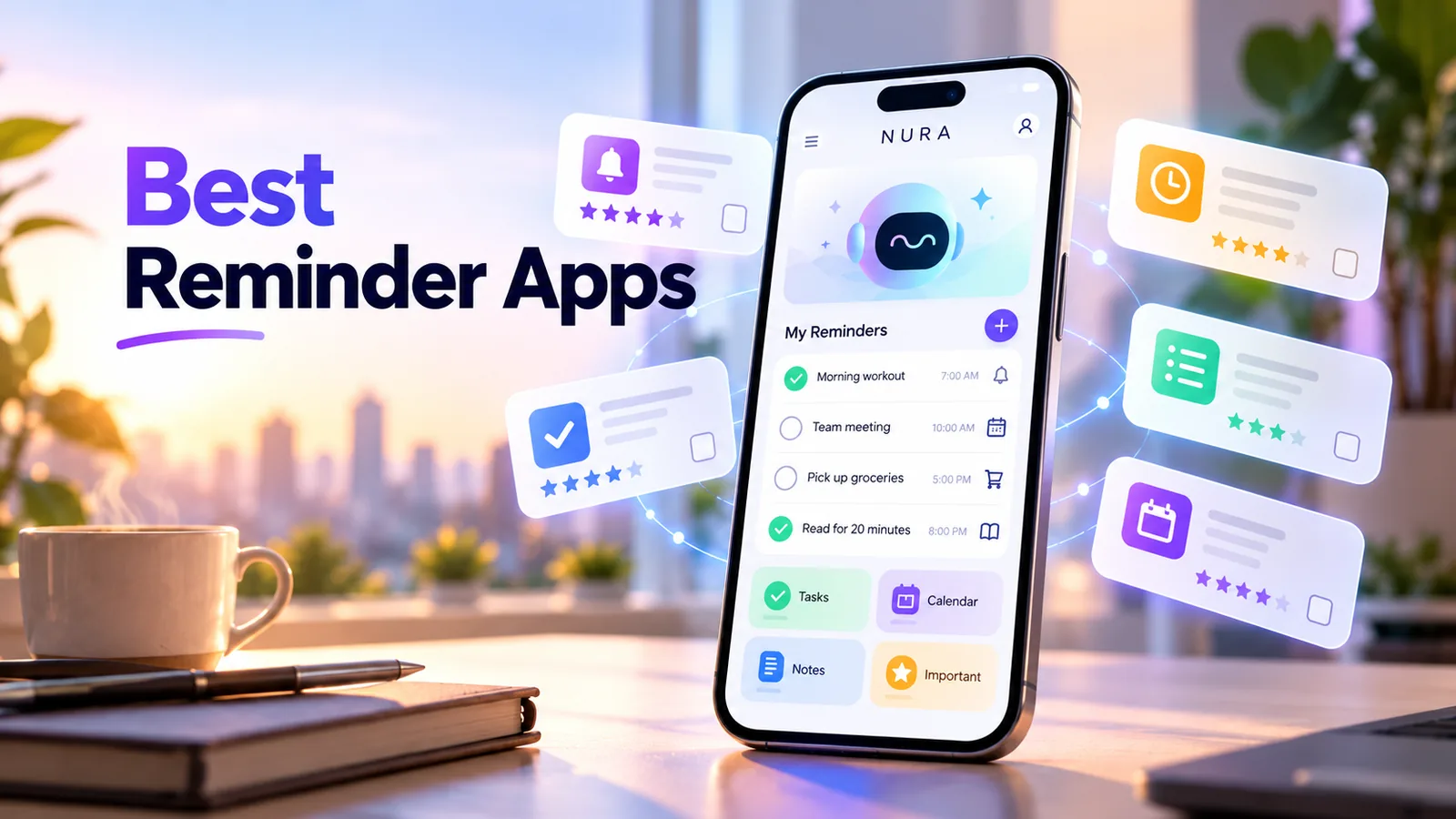
Which reminder app is best for you?
The best reminder app is the one that reliably alerts you, makes it easy to capture a task, and fits the phone and other tools you already use. Apple Reminders is a logical starting point for someone using Apple devices; Google Tasks suits people who organize work in Google Workspace; Microsoft To Do suits existing Microsoft task workflows. Todoist is worth exploring when project-style organization matters. NURA fits the different need of combining AI-assisted reminder capture with wider personal life organization.
There is no universal winner and we have not run an independent cross-app notification benchmark. Instead of taking a star rating on faith, choose two candidates and run the same reminders test on both. A missed alert matters more than a polished screenshot.
Reminder apps compared by the jobs they are designed to do
The table compares product focus rather than inventing a numerical winner. Features change; confirm the details and country-specific availability on each official product page before choosing.
| App | What to consider it for | What to verify for your workflow |
|---|---|---|
| Apple Reminders | Siri entry, grocery lists, smart lists and shared lists in the Apple ecosystem | Device and iCloud requirements; alert and location permissions |
| Google Tasks | A simple task system connected with Google Calendar and Workspace | How recurring tasks appear and when notifications fire |
| Microsoft To Do | Task lists, reminders, steps, notes and Microsoft-oriented routines | Cross-device notifications and account sync |
| Todoist | Projects, recurring task planning and productivity workflows | Your plan limits, reminders and calendar integration setup |
| NURA AI | Natural-language and voice-assisted capture with reminders and life records in one assistant | Whether a reminder is truly saved and phone notifications fire |
The five things a dependable reminder app needs
A useful reminder starts with low-friction capture. If you have to open several screens to save a two-line thought, you will probably postpone it. Look for an interface where entering a task, date and time is fast, whether you prefer typing, speech or a dedicated quick-add button.
Next, the saved result must be inspectable. You should see the reminder in a list, know its time zone, edit it and mark it complete. Finally, notification delivery depends on the phone operating system. A reminder app cannot override every Focus mode, battery restriction or disabled notification setting.
- Capture: can you add a reminder without a complicated setup?
- Confirm: can you immediately find and edit the saved item?
- Alert: can the phone notify you at the intended date and time?
- Repeat: are recurring tasks easy to schedule and stop?
- Review: is it clear what is due today and what was already completed?
Turn the idea into a real workflow with NURA.
Start free on iOS or Android. Keep the official store link one tap away.
A 10-minute test to choose an app
Test each candidate under the same conditions. First create a reminder that should notify you two minutes from now. Then add one for tomorrow, a recurring reminder and a task without a deadline. Confirm which app handles each case cleanly and whether alerts actually reach your phone.
Do not skip the difference between a chat response and a saved reminder. In an AI-enabled tool you may see a confirmation message before the downstream action succeeds or after an incorrect date was interpreted. Always check the final item inside the app.
- 01
Enable notifications for the app and check Focus or Do Not Disturb settings.
- 02
Add a reminder for two minutes from now; lock the phone and wait.
- 03
Add a weekly task and see whether the recurrence is displayed clearly.
- 04
Change one date, complete another reminder and find it in history.
- 05
Record whether each app was clear, not merely whether its home screen looked attractive.
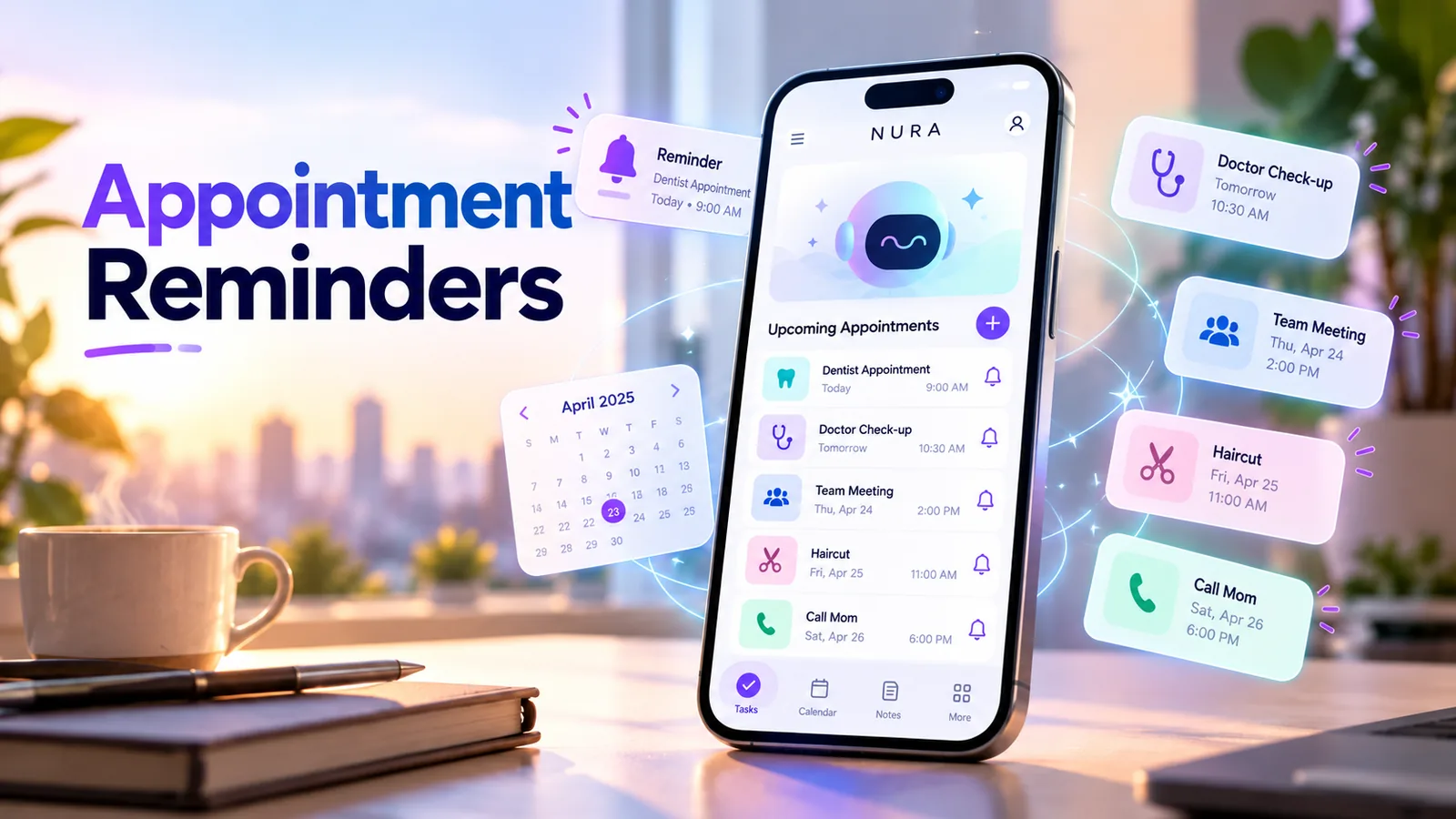
What changes between iPhone and Android?
If you use only an iPhone, your built-in reminder app may already be sufficient. If you regularly switch between Android, iOS, a work laptop and a personal tablet, cross-device compatibility deserves more weight. The same is true if family members share tasks but use different phones.
On iPhone, check notification authorization, Focus schedules and time-sensitive alerts. On Android, check notification categories and battery/background restrictions for the app. The exact settings depend on the device and OS version, so test a real alert rather than assuming a permissions screen guarantees delivery.
Start free. Upgrade when your usage earns it.
These are the current website plans shown in GBP. If you are in the United States, check the price shown in your official app store or the billing screen before purchase; local billing may differ.
Free
50 AI messages · 5 Live Voice min · 2 AI images · 200 MB vault
NURA Plus
500 AI messages · 45 Live Voice min · 10 AI images · 2 GB vault
NURA Pro
1,500 AI messages · 150 Live Voice min · 30 AI images · 10 GB vault
When NURA is worth trying
NURA is not a replacement for every task-management product. It is most relevant if your reminders are mixed with broader everyday context: an insurance document, an appointment, a travel plan, or a quick thought you want to capture by voice. Its value proposition is reducing handoffs between conversation, reminders and organized information.
Start with the free tier and test one actual reminder from creation to notification. Then try organizing an associated note or document. If your needs are only a grocery list and a weekly alarm, the built-in app on your phone may be simpler. That is a legitimate outcome.
Mistakes people make when choosing reminders apps
Avoid choosing based on an unverified "best" headline, importing years of old tasks before checking notifications, or creating multiple overlapping reminder systems. Duplicate alerts quickly become noise; you end up ignoring all of them. It is usually better to use one primary system and keep a fallback only for genuinely important deadlines.
Avoid turning every idea into a time-sensitive alert. Store reference information as notes or documents, use a task list for flexible work, and reserve push reminders for actions where timing makes a difference.
Make your choice in one afternoon
Pick two tools, run the ten-minute test, then use the winner for seven days. Keep a short tally of reminders you actually followed through on. If the system reduced missed tasks without demanding more manual cleanup, it is doing its job.
If you want to connect reminders with daily planning and personal records, try NURA on iPhone or Android using the official store links on this page. This article is published by the NURA AI Editorial Team, so consider NURA a candidate in the comparison rather than an independently awarded winner.
Frequently asked questions
Is Apple Reminders enough for most iPhone users?
It may be. It offers useful reminders, smart lists, Siri capture and native integration. Try it first if you only need straightforward reminders.
Do I need AI just to create a reminder?
No. A basic app is often sufficient. AI can help with natural-language capture or organizing information around a reminder, but reliable notifications are the priority.
Can reminder apps guarantee alerts?
No app can guarantee delivery under every operating-system setting, offline state, battery restriction or notification permission. Verify an alert on your actual phone.
Is NURA available on iPhone and Android?
NURA has official App Store and Google Play listings linked on this page. Confirm your device compatibility and local pricing in the stores.
What should I do if an app says it set a reminder but nothing appears?
Look for the saved item, check the date, time and time zone, then verify app notifications and Focus settings. Do not assume a chat confirmation alone is enough.
NURA AI Editorial Team
Your life, organized by AI.Research and content team for NURA AI. This guide uses current NURA product, billing and privacy information and is updated as the app changes. Important information should still be verified against the live app, store listing, privacy policy and billing page.