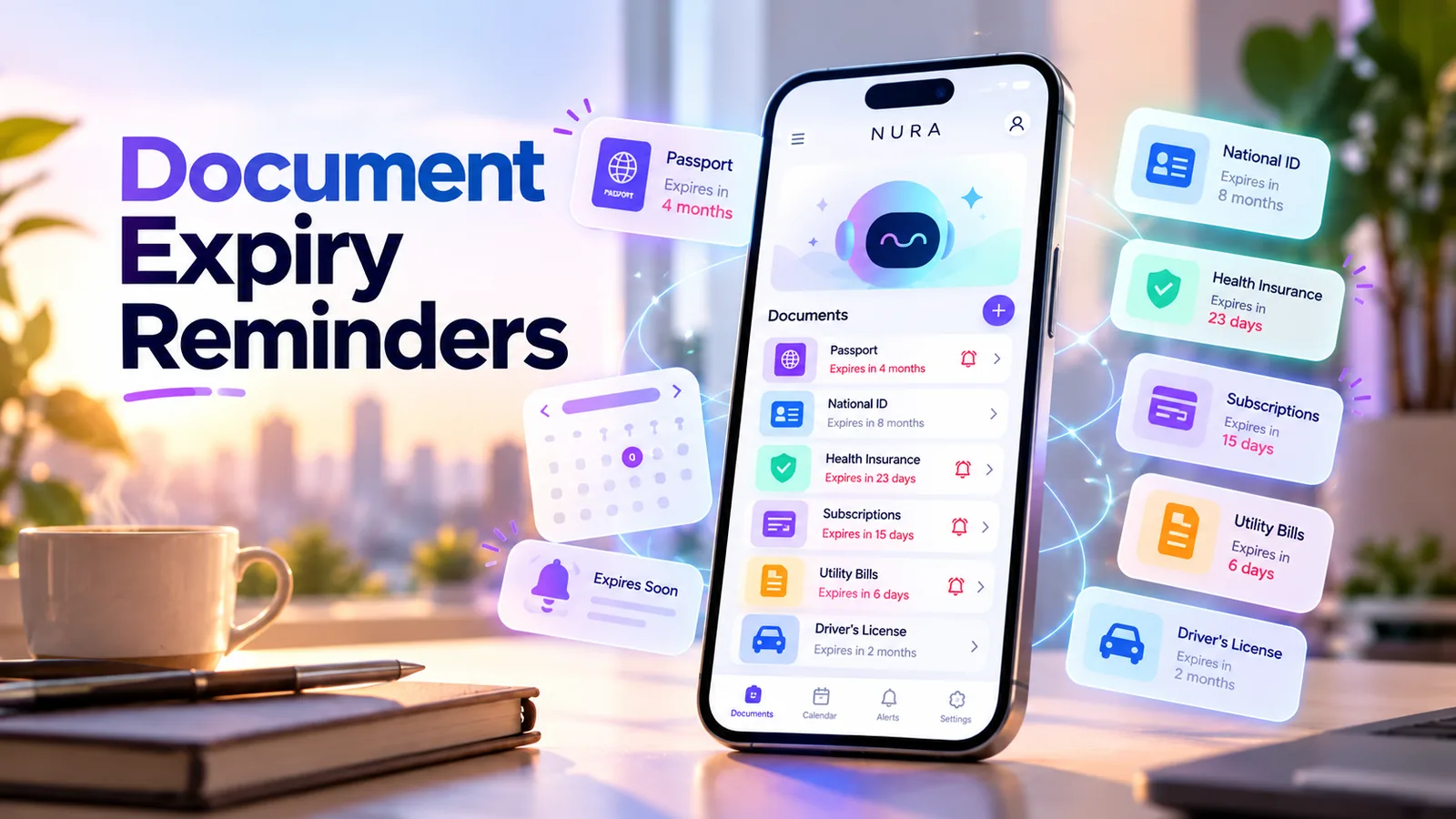
How do you remember when an important document expires?
Keep two things: a trustworthy record of the actual expiration date, and a reminder early enough to renew before that date becomes a problem. That applies to passports, IDs, driver licenses, insurance policies, vehicle documents, memberships and other time-sensitive records.
Do not rely on an AI-generated date unless you have checked it against the source document. A reminder app can help you remember to take action, but the original document and the issuing authority remain the source of truth.
Record the right dates, not just one deadline
Many renewals involve more than a printed expiration date. A passport may need a certain period of remaining validity for international travel; rules vary by destination and nationality. Insurance can have a renewal deadline that differs from a payment due date. Some subscriptions automatically renew before you think about canceling.
Record the original date exactly, then decide when to start preparing. If paperwork takes weeks, an alert on the day of expiration is too late. Use an early action reminder and an optional final check, not a single last-minute warning.
| Item | Date to verify | Possible advance task |
|---|---|---|
| Passport | Expiration and destination entry requirements | Check renewal lead time before booking travel |
| Driver license or ID | Printed expiration date and local renewal rules | Check eligibility and documents required |
| Insurance | Coverage end date and payment or renewal deadline | Compare terms and arrange renewal |
| Membership or subscription | Next billing/renewal date and cancellation policy | Decide whether to keep or cancel |
| Warranty | End of coverage in purchase records | Save receipt and check service needs |
How early should a renewal reminder be?
Choose the alert based on how long the action takes. A renewal requiring an appointment or official processing should be scheduled earlier than a simple online subscription review. There is no universal 30-day rule for every document.
A helpful system has two stages: an early reminder to review requirements, and a follow-up reminder only if you still need to act. If the paperwork is finished, mark the task complete and stop extra alerts rather than allowing old deadlines to linger.
Turn the idea into a real workflow with NURA.
Start free on iOS or Android. Keep the official store link one tap away.
A simple six-step expiry tracking workflow
Keep the process small. Most people only have a handful of important renewals, so a carefully maintained list is often more useful than scanning every paper they own.
- 01
Select the original document or official account where the expiry or renewal date appears.
- 02
Record the type, exact date, issuer and a short description of what must be done.
- 03
Decide on a preparation date based on likely processing time and personal circumstances.
- 04
Create an actionable reminder such as "check passport renewal requirements" rather than a vague "passport" alert.
- 05
Review the saved date and confirm notification settings on your device.
- 06
After completing the renewal, update the date and remove obsolete reminders.
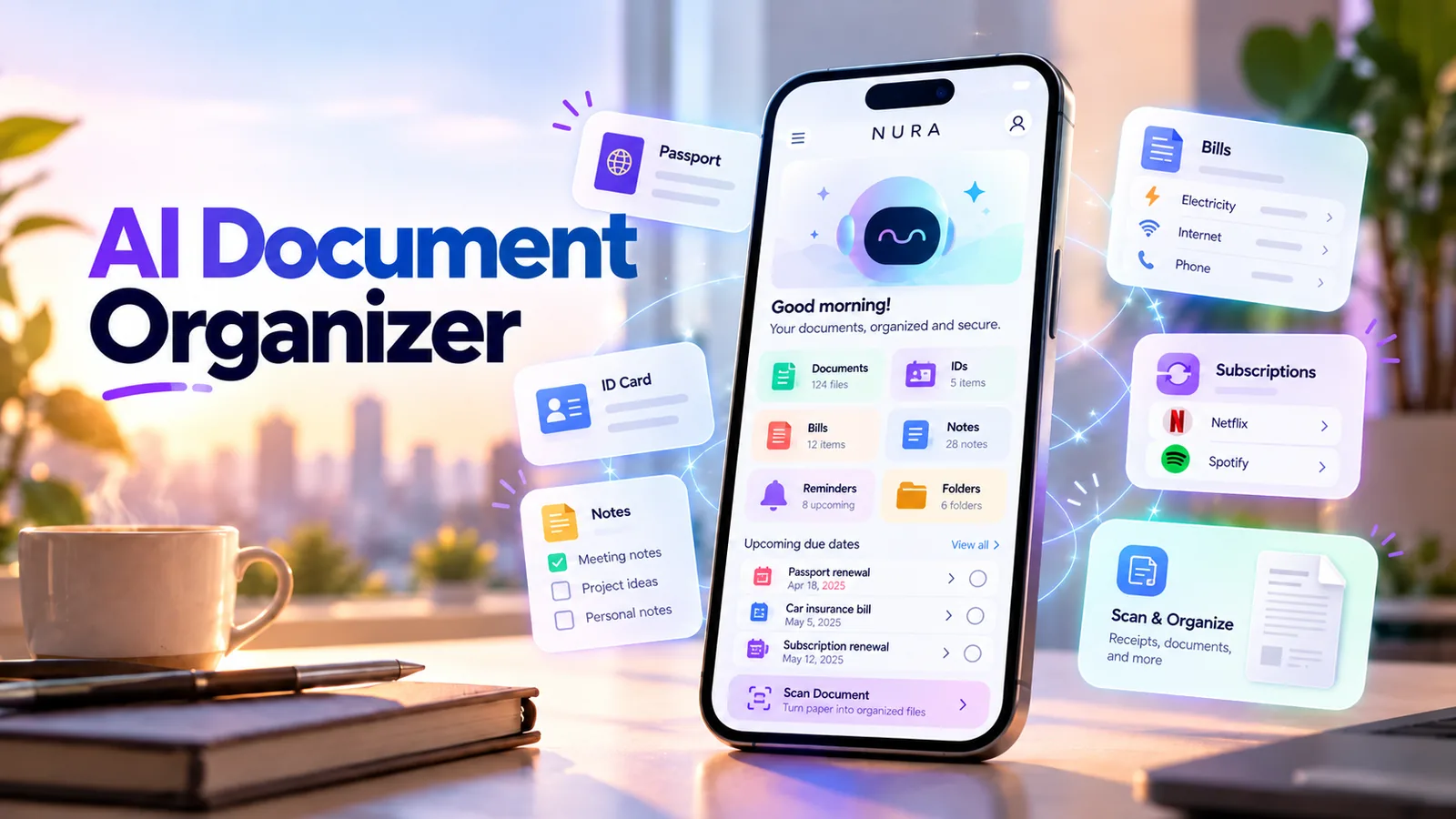
Do you need to upload the actual document?
Often you do not. If all you need is an expiry reminder, you may be able to record the date and document category without sharing a photo or scan. This reduces exposure of personal identifiers.
If you choose to store files in an AI-assisted organizer, read its privacy policy first. Understand authentication, storage, deletion, optional AI processing and who can access content. Avoid uploading sensitive identifiers unless you have a clear reason and appropriate controls.
- Use only the minimum details needed for the reminder.
- Do not paste full ID or passport numbers into public notes.
- Check what the app stores and what external AI services may process.
- Keep the original record and renewal confirmation in a trusted location.
- Delete obsolete files or dates after the process is complete.
Start free. Upgrade when your usage earns it.
These are the current website plans shown in GBP. If you are in the United States, check the price shown in your official app store or the billing screen before purchase; local billing may differ.
Free
50 AI messages · 5 Live Voice min · 2 AI images · 200 MB vault
NURA Plus
500 AI messages · 45 Live Voice min · 10 AI images · 2 GB vault
NURA Pro
1,500 AI messages · 150 Live Voice min · 30 AI images · 10 GB vault
A five-minute monthly review prevents stale reminders
Once a month, review the next few months of upcoming deadlines. Check whether dates have changed, documents have been renewed or subscription terms have been updated. Update completed records immediately.
A system fails quietly when it keeps reminding you about a document that was already replaced. Routine maintenance protects trust: you want your next alert to mean that there is genuinely something left to do.
Using NURA for document-related follow-ups
NURA combines AI-assisted conversation with reminders and personal document organization. A practical first experiment is to enter a verified expiration date, request a preparation reminder and check that the result was saved. You can keep related notes or the original document only if you are comfortable with the storage and privacy settings.
Do not assume that NURA automatically detects every expiration date from a file or automatically updates renewal information. A human should verify the date against the official source and confirm each created reminder.
Common mistakes with expiry reminders
The most dangerous mistake is setting an alert on the expiry date when action must begin weeks earlier. Another is copying a date from an uncertain AI summary without checking the document. Time-zone problems and duplicate entries can also create confusion.
For passports, legal identification and regulated insurance, verify current requirements with the relevant issuing authority, carrier or insurer. An AI reminder is organizational help, not legal guidance or an official renewal service.
Frequently asked questions
Can AI read a document and guarantee its expiry date?
No. Extracted dates can be wrong or ambiguous. Always verify the original document and issuing authority details.
Should I upload photos of my passport to a reminder app?
Not necessarily. If you only need a renewal reminder, the date and a descriptive label may be enough. Review privacy practices before sharing sensitive identifiers.
How far ahead should I set passport renewal reminders?
It depends on processing time, nationality and destination requirements. Check the official issuing authority and your intended travel rules, then schedule early enough to act.
Can I use NURA for subscriptions and insurance too?
You can create reminder workflows for dates you have verified. Check the final saved alert and use the original provider as the authority for policy and payment terms.
Does NURA automatically renew documents?
No. The article describes organizing follow-ups, not performing official renewals or payments on your behalf.

NURA AI Editorial Team
Your life, organized by AI.Research and content team for NURA AI. This guide uses current NURA product, billing and privacy information and is updated as the app changes. Important information should still be verified against the live app, store listing, privacy policy and billing page.