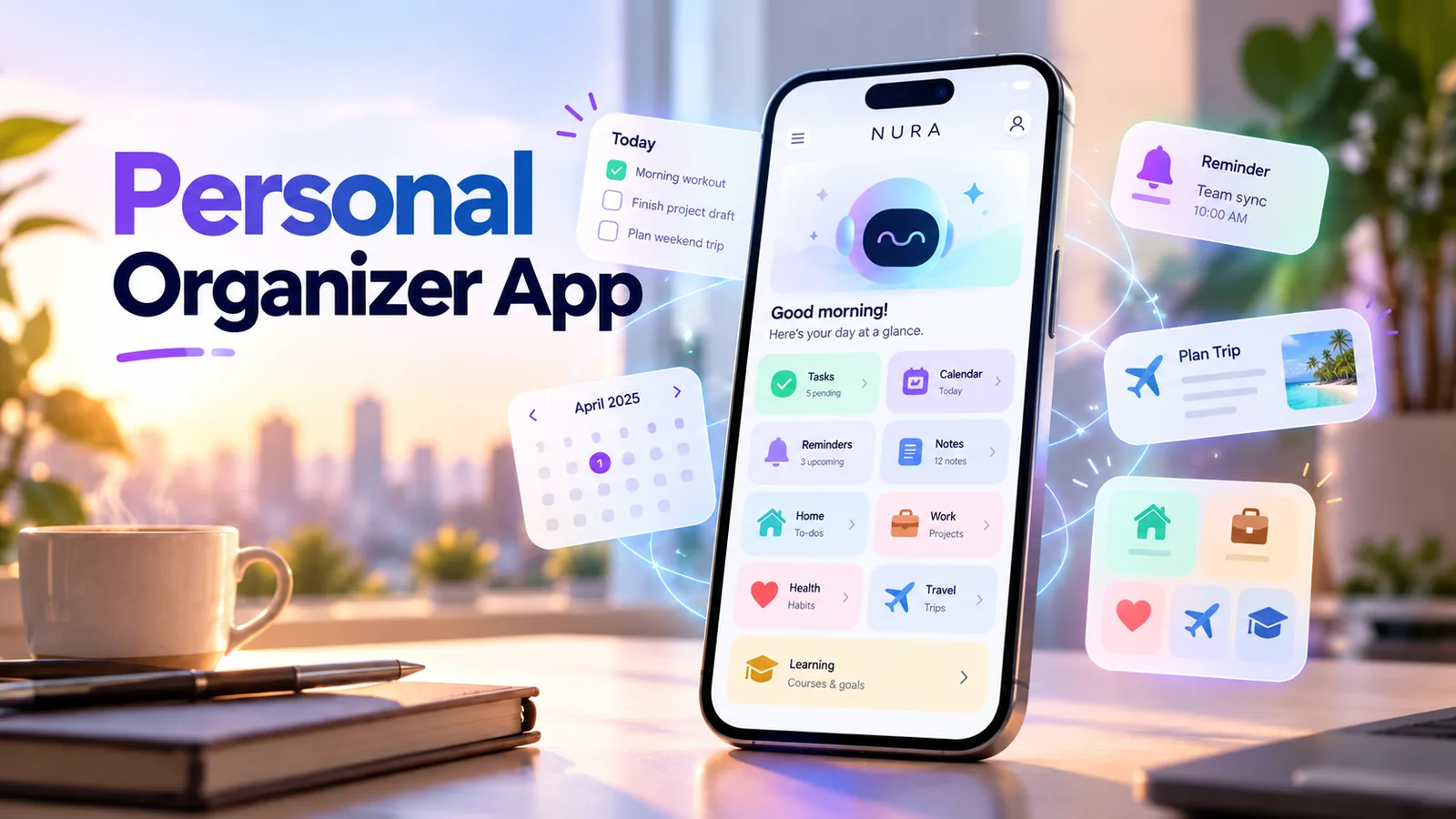
What does a personal organizer app actually need to do?
A personal organizer app helps you put actions, upcoming commitments and information in places you can retrieve later. Most people do not need a giant dashboard; they need somewhere to put the thought they just had and a reliable way to find it when it becomes relevant.
There are three different types of items. A reminder is something that should notify you at a certain time. A task is something to do, but the exact alert may be optional. A note or personal record is information that you might need later. Mixing all three together creates a list that is long but not useful.
Use three simple buckets: now, later and reference
You can create a much calmer personal system with only three buckets. "Now" contains items you are doing today; "later" holds dated or flexible actions; and "reference" contains information you need to find without necessarily acting on it.
For example, renewing vehicle insurance has a due date and might deserve an early reminder. The insurance PDF belongs in reference storage. Calling the insurer is a task. This separation prevents the document from disappearing into a task list or an urgent action from being buried in a notes archive.
| Situation | Put it in | Example |
|---|---|---|
| Time-sensitive action | Reminder | Call the dentist tomorrow at 9 AM |
| Flexible work | Task | Sort receipts sometime this week |
| Fixed appointment | Calendar or event + reminder | Annual check-up Thursday at 2 PM |
| Information to keep | Document or note | Car insurance policy number |
| Multiple linked steps | Small checklist | Prepare for a trip next week |
A morning and evening routine that takes minutes
In the morning, check what is due, what can realistically fit today and what needs to be moved. If an item cannot be done today, reschedule it deliberately rather than allowing it to remain permanently overdue. Three meaningful actions are often better than twenty vague entries.
In the evening, capture loose thoughts, complete finished items and choose one important thing for tomorrow. The point is not to spend more time planning than doing; it is to protect your attention so you can stop mentally rehearsing everything you might forget.
- 01
Look at today and tomorrow before opening unrelated notifications.
- 02
Identify fixed-time commitments and the one or two flexible tasks that matter most.
- 03
Confirm that time-sensitive reminders have accurate dates and alerts.
- 04
Move completed notes or documents into reference areas, not the task queue.
- 05
Spend two minutes clearing or scheduling unprocessed thoughts before bed.
Turn the idea into a real workflow with NURA.
Start free on iOS or Android. Keep the official store link one tap away.
The fastest capture method is the one you will use
Some people prefer typing a single sentence; others need voice capture while walking or cooking. A personal organizer should let you add an item before you forget why it mattered. For a reminder, natural language can express both the task and its timing, but the final saved item still needs checking.
NURA combines text and voice input with reminders and personal life areas. That can help when one thought spans different categories, such as "put my hotel confirmation with the travel records and remind me to print it next Friday." Always verify the stored information and whether the requested action actually completed.
Choose life categories you actually use
There is no ideal universal folder structure. Start with a few obvious areas such as home, work, personal admin, travel and documents. Add more only when a repeated use case makes the category worthwhile. Ten empty categories do not make a system more organized.
Family responsibilities and personal appointments may be worth their own sections if they recur. Money and health information need more care because the details can be sensitive; use only the app permissions and storage features you are comfortable with, and review the privacy policy before uploading anything important.
- Home: maintenance reminders, deliveries and recurring chores.
- Personal admin: renewals, appointments and subscription follow-ups.
- Travel: trip checklist, booking references and documents.
- Work: tasks that you own personally, not a replacement for your employer-approved systems.
- Reference: notes, receipts and files that do not require an alert.
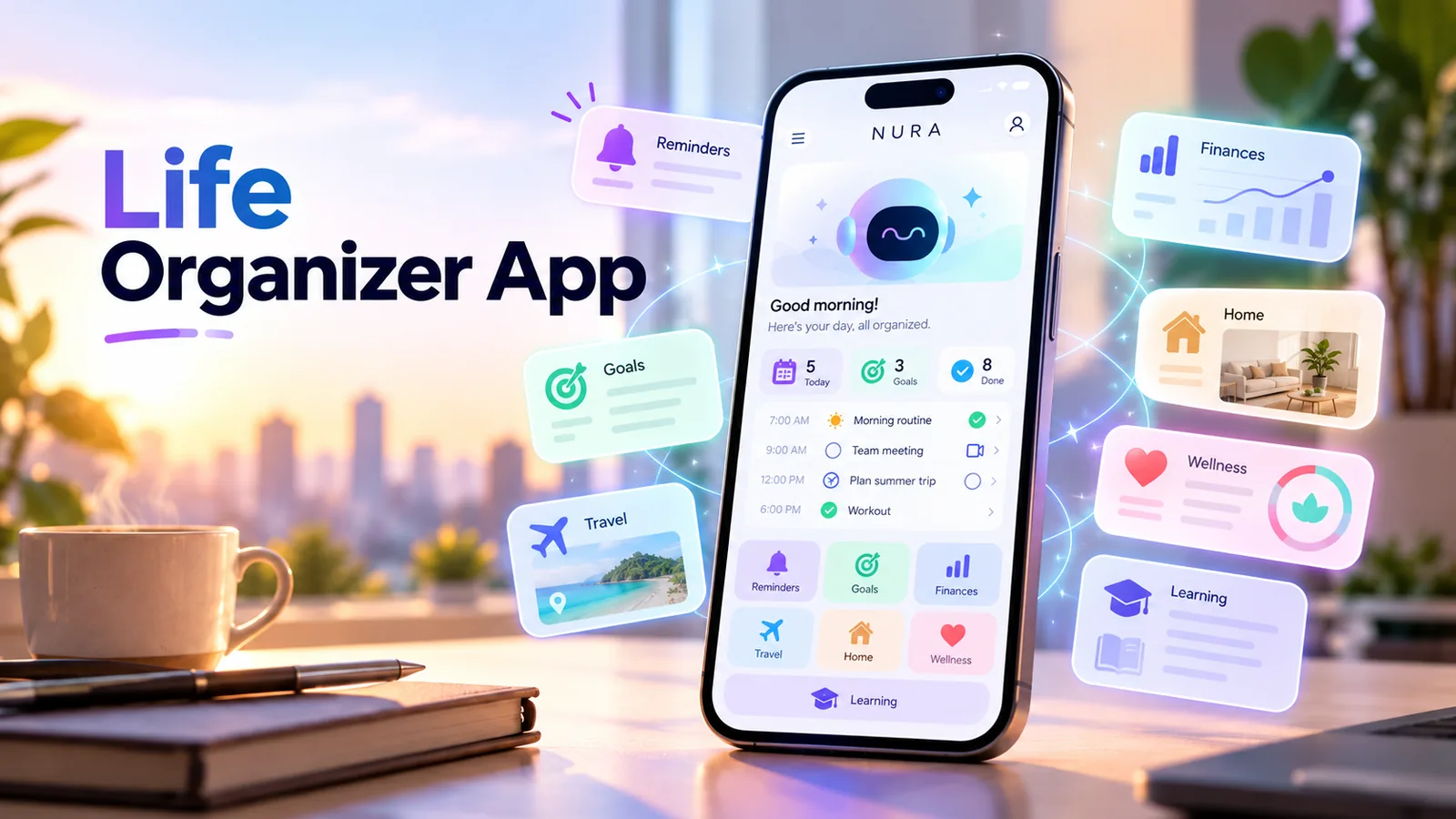
Start free. Upgrade when your usage earns it.
These are the current website plans shown in GBP. If you are in the United States, check the price shown in your official app store or the billing screen before purchase; local billing may differ.
Free
50 AI messages · 5 Live Voice min · 2 AI images · 200 MB vault
NURA Plus
500 AI messages · 45 Live Voice min · 10 AI images · 2 GB vault
NURA Pro
1,500 AI messages · 150 Live Voice min · 30 AI images · 10 GB vault
Prevent the app from becoming another chore
The most common mistake is importing every old note, task and file before testing whether the new system helps. Begin with this week instead. If the organizer consistently makes one task easier, expand gradually.
Another mistake is generating too many notifications. A reminder is a promise to interrupt your future self. If every routine task has a loud alert, important alerts lose their meaning. Use a daily review and reserve push notifications for items that genuinely have time consequences.
What to look for before choosing an app
Look for easy capture, visible upcoming reminders, editing and deletion, clear notifications, and a usable search experience. Cross-device availability matters if you move between an iPhone, Android phone and a laptop, but not everyone needs complex synchronization.
If your life is simple and you only need a few tasks, the built-in tools on your phone may be enough. Try NURA if you want AI-assisted reminders alongside notes, planning and personal records in one place. The free tier lets you test that fit without committing to a paid plan.
Create your first personal organization system today
Write down five things currently occupying your attention. Give each one a category: alert, action or reference. Save the time-sensitive alerts first, check that they exist in the app, and set aside five minutes tomorrow to review what happened.
After a week, measure what changed. Did you forget fewer appointments? Did you spend less time searching for a note? Did you avoid creating new work? Those practical outcomes tell you more than a feature list.
Frequently asked questions
What is the difference between a personal organizer app and a to-do app?
A to-do app primarily manages actions. A personal organizer also holds reminders, reference information and often life categories such as documents or travel.
Do I need an AI personal organizer?
Not necessarily. AI can reduce typing or help organize messy information, but a simple built-in task and reminder app may be sufficient.
Can I store personal information in NURA?
NURA supports personal organization and document storage. Review its privacy policy, permissions and account-deletion options before adding sensitive information.
How many categories should I create?
Start with three to five that you actually use. Split categories only if retrieval becomes difficult.
What is the best daily routine?
Review deadlines in the morning and clear loose tasks in the evening. Keep each review short enough to maintain.

NURA AI Editorial Team
Your life, organized by AI.Research and content team for NURA AI. This guide uses current NURA product, billing and privacy information and is updated as the app changes. Important information should still be verified against the live app, store listing, privacy policy and billing page.