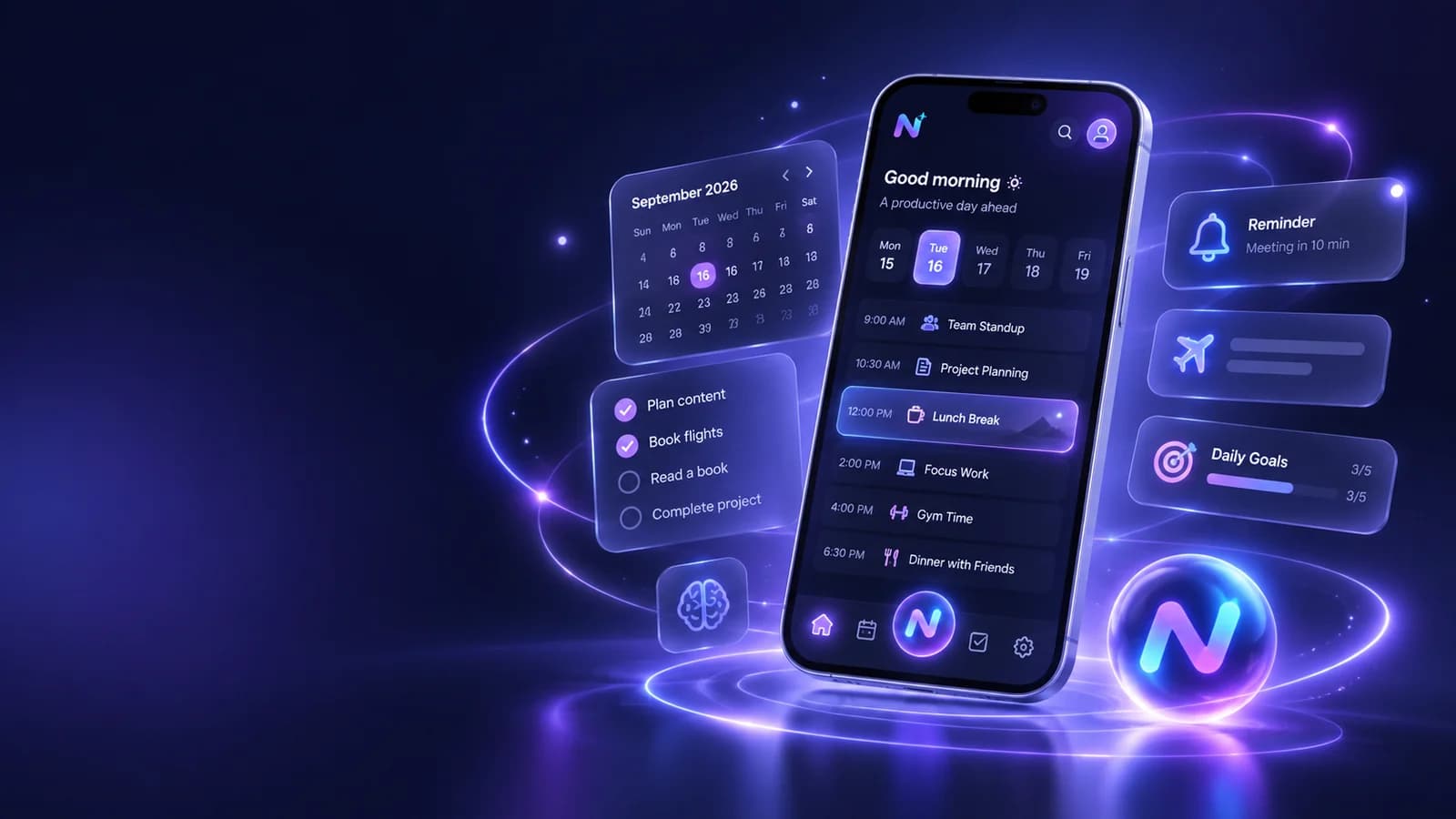
Quick answer: what does an AI daily planner app do?
An AI daily planner app turns natural-language input into an organised plan. Instead of opening separate forms for every task, reminder, event, or note, you can describe what is on your mind and let the assistant help structure it. The best versions reduce the time between “I need to remember this” and “it is safely captured.”
NURA combines conversational AI with tasks, reminders, events, notes, expenses, and optional follow-ups. That makes it useful when your problem is not simply making a to-do list, but keeping several parts of daily life in one place.
Why normal planners fail when capture takes too long
Planning systems often break at the point of capture. You think of something while walking, driving, cooking, or moving between meetings. If the planner requires multiple fields, categories, labels, and screens, the thought stays in your head until it disappears.
AI changes this by letting the user say the messy version first. “Remind me Thursday evening to renew the insurance, and add the document to my car stuff” is closer to how people think than choosing a date field, title field, category, reminder offset, and folder separately.
- Use natural language for capture, then review the structured result.
- Keep reminders visible in a daily view instead of burying them inside chat history.
- Separate tasks that need action from notes that only need storage.
- Use voice when typing creates friction, but check dates and times before relying on them.
A 5-step AI planning workflow that stays simple
The best planning setup is one you can repeat without thinking. The sequence below keeps AI in the role of organiser while you keep control of priorities and deadlines.
- 01
Brain-dump the day in one message or voice note. Include deadlines, fixed appointments, errands, and anything you are afraid of forgetting.
- 02
Ask the assistant to separate fixed-time events from flexible tasks and notes.
- 03
Create reminders only for items that benefit from a notification. Too many alerts quickly become background noise.
- 04
Check the final day for impossible overlaps, missing travel time, or vague tasks that need a next action.
- 05
At the end of the day, move unfinished items intentionally instead of letting them accumulate forever.

Turn the idea into a real workflow with NURA.
Start free on iOS or Android. Keep the official store link one tap away.
When voice is better than typing for planning
Voice is useful for fast capture because you can speak in complete thoughts. NURA supports Live Voice for real-time conversation and voice messages for asynchronous capture. That means you can talk through a plan, or send a voice message when you only need to get the thought out of your head.
The review step still matters. Speech recognition can mishear a date, place, or name. For anything time-sensitive, read the saved item before you move on.
What to put into an AI planner — and what not to
A planner works best when it holds actions and time commitments. Use your assistant for things you need to do, remember, prepare, or follow up. Do not turn every thought into a task. Some information belongs in notes or documents instead, and some conversations do not need to be stored at all.
| Information | Best destination | Why |
|---|---|---|
| Appointment at a fixed time | Event + reminder | Time matters and you may need an alert |
| Buy groceries | Task or checklist | Action matters; exact time may not |
| Warranty PDF | Document record | The file is the source of truth |
| Idea for later | Note | Useful context without creating false urgency |
| Recurring bill | Reminder + expense context | You may need both action and reference information |
Start free. Upgrade when your usage earns it.
Pricing is visible on every NURA guide so you can compare the app before you download. Current website plan prices are shown below; confirm the live billing page before purchase.
Free
50 AI messages · 5 Live Voice min · 2 AI images · 200 MB vault
NURA Plus
500 AI messages · 45 Live Voice min · 10 AI images · 2 GB vault
NURA Pro
1,500 AI messages · 150 Live Voice min · 30 AI images · 10 GB vault
Three daily-planning examples that keep AI in the right role
A workday is a good first test because it contains both fixed commitments and flexible tasks. Tell the assistant the meetings that cannot move, the two or three outcomes that matter most, and any errands that need a location or deadline. Ask it to separate the fixed schedule from the flexible queue. You still choose the priorities; the AI is helping make the constraints visible so you stop pretending ten hours of work fit into six.
An errands day needs a different structure. Capture the places, opening-time constraints, items to take with you, and anything that must happen before another stop. The useful output is not a motivational to-do list. It is a short sequence that reduces backtracking and turns vague reminders such as “sort the car stuff” into a concrete next action such as “take the insurance document before leaving.”
A household or family day often includes small responsibilities that are easy to remember individually and hard to remember together. Use AI to gather them in one pass, then decide which items deserve a timed reminder and which belong on a simple checklist. If another person is affected, confirm details with them rather than treating the assistant as the source of truth. The planning win comes from capture and visibility, not from delegating judgment.
A good AI daily planner should make the day easier to scan after the conversation ends. If the useful plan is trapped inside a long chat, simplify the workflow.
NURA pricing for planning workflows
You can start planning on NURA’s Free tier. Current website pricing is £0 for Free, £9.99 per month for NURA Plus, and £19.99 per month for NURA Pro. Higher tiers raise monthly AI and Live Voice allowances, which matters if you plan to use the assistant throughout the day rather than only for occasional tasks.
Mistakes that make an AI planner feel worse than a paper list
Automation is not automatically organisation. If every chat message becomes a task, your planner becomes a dump. If every task gets a notification, alerts stop working. If the assistant chooses priorities without knowing your constraints, the schedule can look polished while still being unrealistic.
- Do not create reminders for items you will already see naturally.
- Do not accept vague tasks such as “work on project” when a specific next action would be clearer.
- Do not let AI infer a deadline when you have not provided one.
- Do not plan 100% of the day; real life needs buffer.
Try the workflow in NURA
Download NURA on iOS or Android and start with one daily brain dump. Ask NURA to separate tasks, reminders, notes, and events, then keep only the items that genuinely reduce your mental load. For the broader system, return to the personal AI assistant pillar and explore the voice, documents, privacy, and life-organisation guides.
Start free. Use the same planning workflow for a week before deciding whether you need Plus or Pro.
Frequently asked questions
What is an AI daily planner app?
An AI daily planner app lets you describe tasks, reminders, events, or priorities in natural language and helps turn them into an organised day. The useful difference is faster capture and restructuring, not simply adding AI chat on top of a normal to-do list.
Can NURA create reminders and tasks?
NURA’s current store listings describe tasks, reminders, events, notes, and optional follow-ups as part of the app. For important dates or deadlines, review the saved information because AI and speech recognition can make mistakes.
Is voice useful for daily planning?
Yes, especially when the problem is capture friction. You can speak a messy list faster than you can fill multiple forms. Voice works best when the app lets you review the result, correct dates and names, and keep the final task or reminder visible outside the conversation.
How much is NURA for daily planning?
NURA currently shows Free at £0, Plus at £9.99 per month, and Pro at £19.99 per month on its website. The practical difference for planning is how much AI chat, Live Voice, image generation, and storage you expect to use each month.

NURA AI Editorial Team
Your life, organized by AI.Research and content team for NURA AI. This guide uses current NURA product, billing and privacy information and is updated as the app changes. Important information should still be verified against the live app, store listing, privacy policy and billing page.