Quick answer: what “privacy-first AI assistant” should mean
A privacy-first AI assistant should give you clear control over what information is collected, what permissions are requested, where files and records are stored, when content is sent to an AI provider, and how you can delete it. The phrase is only useful if the product explains those data flows in concrete terms.
NURA positions privacy and user control as part of the product. Its current privacy policy describes authenticated user storage, private file storage, device permissions, optional AI processing, advertising limits, security controls, and account deletion. Those details are more useful than relying on a marketing label alone.
The 8 privacy questions to ask
Use this checklist for NURA or any personal AI product. A trustworthy answer can be technical, but it should still be understandable enough for a user to make a decision.
- 01
What personal information can the app store? Look for categories such as profile data, conversations, documents, health organisation, expenses, travel, household, or family context.
- 02
Where are uploaded files stored? Private object storage with authenticated access is materially different from a public URL.
- 03
Which device permissions are optional? Camera, microphone, contacts, calendar, location, files, and notifications should have a clear feature reason.
- 04
When is content sent to an AI provider? Understand whether cloud AI processing is required for chat, transcription, image, or document features.
- 05
Is personal data used for advertising? Look specifically for cross-app behavioural advertising, sale to data brokers, or ad-profile creation.
- 06
Can you delete individual information? Being able to remove a file, memory, or conversation is different from only closing the account.
- 07
Can you delete the full account and associated data? Check the actual deletion path and whether the service explains backups or legal retention.
- 08
What security controls protect access? Authenticated requests, user-scoped queries, private storage, row-level security, rate limiting, and HTTPS are concrete examples.
What NURA’s published privacy policy currently says
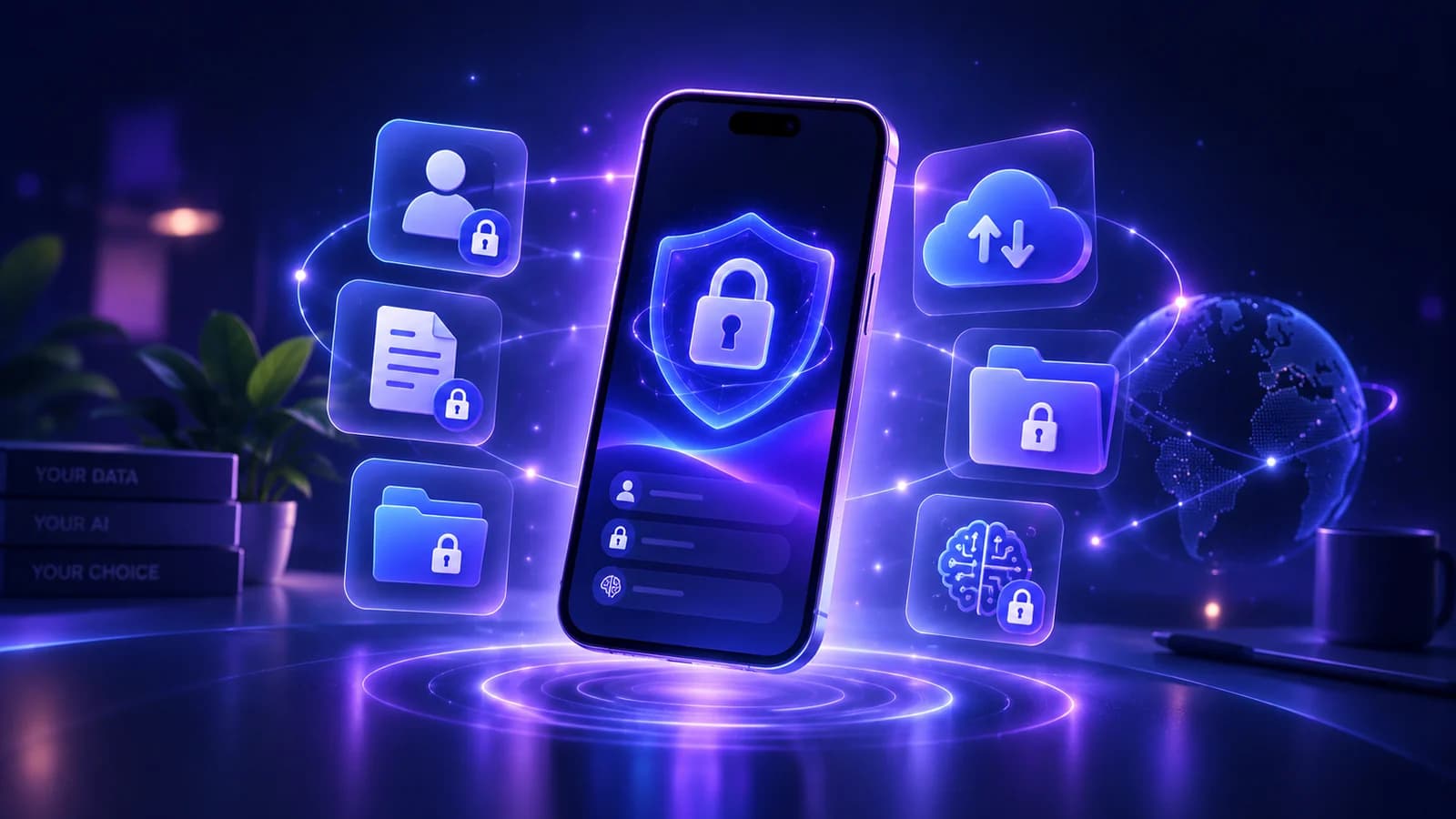
NURA states that account records are scoped to the authenticated user. Uploaded files are stored in a private Supabase Storage bucket, and authenticated server flows can issue short-lived signed URLs when a feature needs to display a file. The mobile app uses Supabase authentication and secure device storage for native authentication session data.
The policy also says operating-system permissions are requested through features that need them, and that optional AI processing may send text, voice, or document content required for a request from the NURA backend to a configured AI provider. It says NURA is not designed to sell private life records to advertisers or data brokers or use them for third-party cross-app advertising profiles.
Turn the idea into a real workflow with NURA.
Start free on iOS or Android. Keep the official store link one tap away.
Privacy and usefulness are often a trade-off you should choose deliberately
A personal assistant becomes more useful when it has relevant context, but every added connection increases the amount of information in the system. The right answer is not “share everything” or “share nothing.” It is to share the minimum context that makes the workflow useful, then expand only when the benefit is clear.
For example, a travel assistant may only need the booking you are asking about, not your entire document archive. A planning workflow may need reminders and calendar context but not contacts. Good privacy controls make that selectivity possible.
Review permissions by feature, not as one big yes-or-no decision
Phone permissions are easier to judge when you connect each one to a feature you intend to use. Microphone access makes sense for Live Voice or a voice message, but it should not be necessary for a text-only session. Camera or photo access can support image and document capture. Calendar access can support planning or event workflows. Contacts or location may be useful for specific experiences, but their value depends on what you are actually trying to do.
The practical rule is minimum useful access. Enable the permission when you reach a feature that benefits from it, check the operating-system explanation, and change it later if you stop using that workflow. NURA’s published privacy policy says operating-system permissions are requested through features that need them and remain controlled through device settings. That is different from assuming every permission should stay enabled forever.
Notifications deserve the same deliberate treatment. They can make reminders useful because the information reaches you at the right time, but too many alerts quickly reduce trust in the whole system. Keep notifications for time-sensitive actions and turn off categories that do not change behaviour. Privacy and attention are related: a personal assistant should ask for enough access to help, not enough access to be present everywhere.
| Permission | Typical reason | User check |
|---|---|---|
| Microphone | Live Voice or voice messages | Enable when using voice; review if you return to text only |
| Camera / photos | Capture an image or document | Prefer the narrowest access your device offers |
| Calendar | Events and planning context | Confirm what is read or written before relying on it |
| Contacts | People-related features | Grant only if the feature you use genuinely needs it |
| Location | Location-aware help | Use only when location changes the answer or action |
| Notifications | Reminders and follow-ups | Keep high-value alerts; remove noisy categories |
Start free. Upgrade when your usage earns it.
Pricing is visible on every NURA guide so you can compare the app before you download. Current website plan prices are shown below; confirm the live billing page before purchase.
Free
50 AI messages · 5 Live Voice min · 2 AI images · 200 MB vault
NURA Plus
500 AI messages · 45 Live Voice min · 10 AI images · 2 GB vault
NURA Pro
1,500 AI messages · 150 Live Voice min · 30 AI images · 10 GB vault
Privacy red flags to avoid
Be cautious when a product asks for broad permissions before you use a feature, gives no clear deletion path, hides its provider relationships, or makes absolute security claims. No online system can guarantee perfect security. Good privacy communication is specific about controls and limitations.
- Permissions that are unrelated to the feature you are using.
- A privacy policy that describes data categories but not why they are processed.
- No explanation of AI-provider processing for cloud-generated responses.
- No way to remove your account or request deletion.
- Claims that your data “never leaves your device” when the product clearly uses cloud AI without explaining the distinction.
- Security language that promises absolute protection rather than describing implemented safeguards.
Privacy is not a premium-only feature
The ability to understand permissions, delete data, and control what you share should not depend on choosing the most expensive plan. NURA currently offers Free at £0, Plus at £9.99 per month, and Pro at £19.99 per month; the price differences relate to usage and storage allowances rather than a promise that only paying users receive basic privacy rights.
Review the policy, then test the workflow you actually need
Read the current NURA privacy policy before adding sensitive material. Then download the app and begin with low-risk context. Check permission prompts, see what the app saves, and confirm that you can remove information. Privacy becomes much easier to judge when you evaluate the real workflow instead of an abstract claim.
Your goal is selective usefulness: enough context to reduce friction, with clear control over what NURA can access and remember.
Frequently asked questions
What is a privacy-first AI assistant?
It is an AI assistant designed around user control of data, permissions, storage, processing, and deletion. The important evidence is the product’s actual data flow: what it stores, where it stores it, which providers receive content, how permissions work, and how information can be removed.
Does NURA sell personal data to advertisers?
NURA’s current privacy policy states that the service is not designed to sell private life records to advertisers or data brokers or use those records to build third-party cross-app advertising profiles. Always review the live policy because data flows can change with product updates.
Does NURA store files only on the phone?
No. The current privacy policy states that files users choose to upload or capture are sent to the NURA backend and stored in a private Supabase Storage bucket. This is why it is important to read the actual policy rather than assume “private” means fully on-device.
Can I delete my NURA account?
NURA’s privacy policy describes in-app and public account-deletion paths. It states that the deletion flow removes NURA database data, private NURA Storage objects, and the associated Supabase Auth user through a server-side process, subject to infrastructure backups and legal obligations.
Does NURA use third-party AI providers?
The policy states that if the server operator configures an optional AI provider, the text, voice, or document content required for a request may be sent from the NURA backend to that provider for the requested response, transcription, or document analysis.
NURA AI Editorial Team
Your life, organized by AI.Research and content team for NURA AI. This guide uses current NURA product, billing and privacy information and is updated as the app changes. Important information should still be verified against the live app, store listing, privacy policy and billing page.