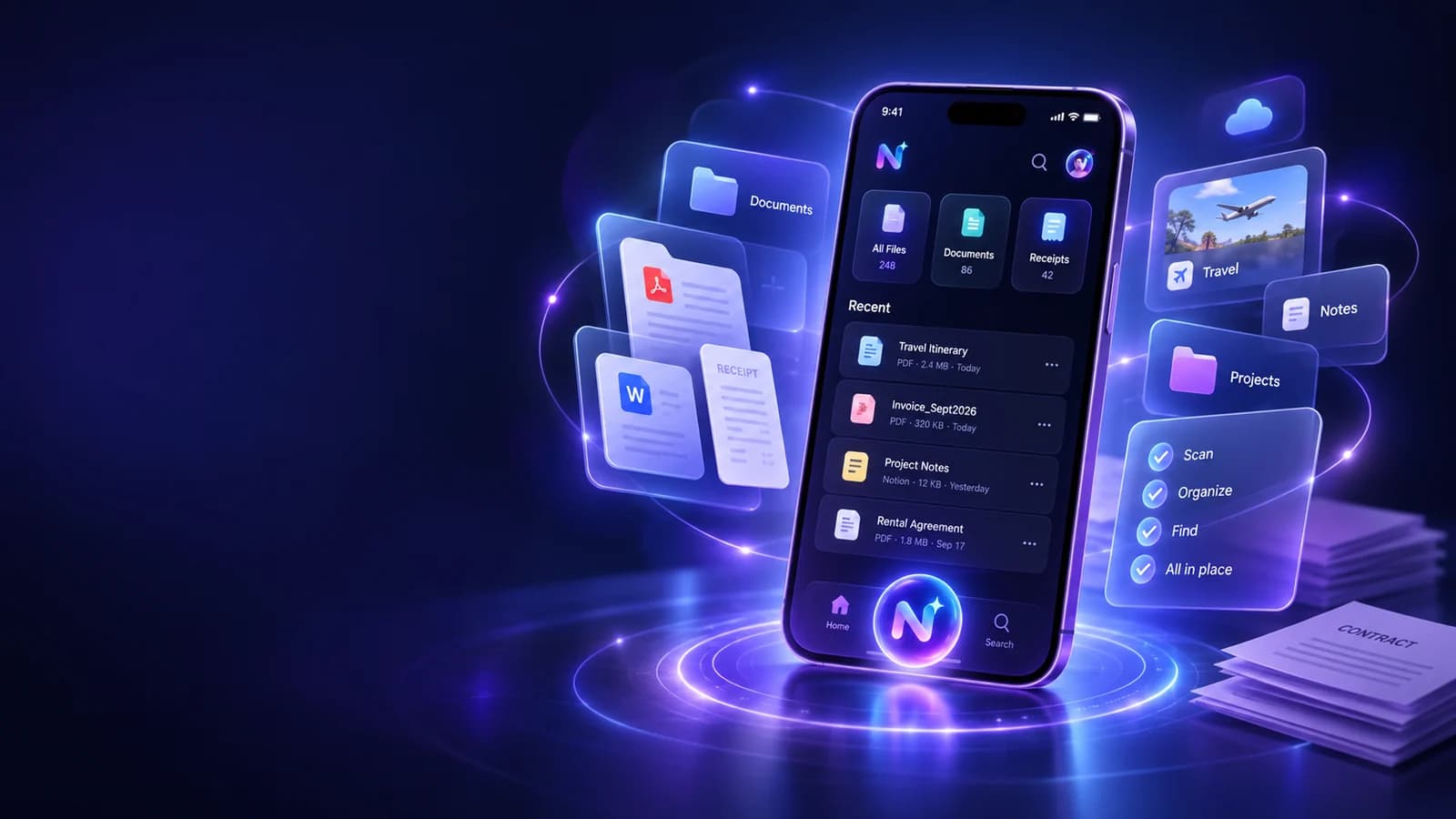
Quick answer: what does an AI document organizer app do?
An AI document organizer app helps you do more than store a file. It can read documents or images you choose to upload, summarise them, extract important details, and make the information easier to find or act on later. The original document should remain the source of truth; AI adds a faster way to understand and organise it.
NURA’s current store listings state that users can attach photos, documents, and files for analysis. Because the same app also includes reminders, notes, expenses, and personal context, a document can become part of a wider workflow instead of staying as an isolated PDF.
Everyday files that benefit from AI organisation
The best documents for AI assistance are ones where the user already has permission to process the file and the useful information is repetitive or buried. Think about the documents you repeatedly search for because you cannot remember a date, amount, reference, or next action.
- Travel confirmations: dates, times, booking references, addresses, baggage notes.
- Receipts and invoices: amount, merchant, date, warranty or reimbursement context.
- Vehicle documents: renewal dates, service records, policy references.
- Household records: warranties, bills, manuals, maintenance notes.
- Personal admin: forms, letters, memberships, education or work documents.
- Health organisation documents: appointment information or records you want to keep organised, while still relying on qualified professionals for medical advice.
A safer document-to-action workflow
Do not begin by asking the AI for a decision. Begin by asking it to identify and structure information. That makes it easier to compare the output with the original file and catch errors before they become reminders or records.
- 01
Upload or capture the document you want help with.
- 02
Ask for a short summary and a separate list of exact dates, amounts, names, and references.
- 03
Compare the extracted facts with the original document.
- 04
Save only the context you expect to use again.
- 05
Create reminders or tasks from verified details, not from unreviewed AI output.
- 06
Delete the file or related context when you no longer want it stored.
Turn the idea into a real workflow with NURA.
Start free on iOS or Android. Keep the official store link one tap away.
Why understanding can matter more than perfect folders
Traditional document systems assume you remember where you filed something. AI can reduce that dependence by letting you ask for information in natural language. However, searchable context is not a reason to abandon basic organisation. A clear title, useful category, and original file still make recovery easier if AI search fails.
The strongest setup combines simple structure with conversational retrieval. You should be able to browse the document normally and ask the assistant a question about it.
What AI should never silently guess from a document
Documents often contain numbers and formal wording. A polished summary can hide a small extraction error. Treat the following as verification points rather than “close enough” information.
| Detail | Why it needs checking | Safer habit |
|---|---|---|
| Dates and deadlines | One wrong digit changes the action date | Compare with the original before creating a reminder |
| Money and totals | Decimal or currency errors can be costly | Verify amount and currency directly |
| Names and identifiers | OCR can confuse letters and numbers | Copy exact values from the source when possible |
| Health or legal wording | Meaning can depend on precise context | Use AI for organisation, not professional interpretation |
| Terms and conditions | Summaries omit detail by design | Read the relevant original clause before deciding |
Start free. Upgrade when your usage earns it.
Pricing is visible on every NURA guide so you can compare the app before you download. Current website plan prices are shown below; confirm the live billing page before purchase.
Free
50 AI messages · 5 Live Voice min · 2 AI images · 200 MB vault
NURA Plus
500 AI messages · 45 Live Voice min · 10 AI images · 2 GB vault
NURA Pro
1,500 AI messages · 150 Live Voice min · 30 AI images · 10 GB vault
Document privacy deserves a stricter standard
Files can contain more personal information than a normal chat message. Before uploading, know how the app stores the file, how access is protected, and whether an external model provider may process content for the requested feature.
NURA’s privacy policy says uploaded files are stored in a private Supabase Storage bucket and accessed through authenticated server flows and short-lived signed URLs. It also explains that content required for an AI request may be sent to a configured AI provider. Those are the details to consider when deciding which documents you want to process.

NURA plans for document-heavy use
NURA’s Free plan currently includes 200 MB of private-vault storage. Plus lists 2 GB and Pro lists 10 GB, alongside higher AI usage allowances. Website pricing is £0, £9.99 per month, and £19.99 per month. If documents are your main use case, storage and AI-message limits are the two plan differences to watch.
Use a five-stage document triage: extract, verify, store, act, delete
The most reliable AI document workflow has a beginning and an end. First, extract: ask for the few facts you actually need rather than a vague “tell me everything.” Second, verify: compare dates, names, references, totals, addresses, and other decision-relevant details with the original page. The purpose of AI is to reduce reading time, not to remove the source from the process.
Third, store only what has future value. A one-off restaurant menu probably does not need permanent personal context, while a vehicle document or travel booking may be worth organising for later retrieval. Fourth, act on the verified information. Create the reminder, expense record, checklist, or follow-up that the document was supposed to trigger. This is where an AI document organizer becomes more useful than a folder full of PDFs.
Fifth, delete or archive deliberately. Temporary uploads and old context accumulate if there is no cleanup habit. Review what you no longer need and remove it according to the app’s controls. This keeps the document system easier to search and limits unnecessary retention of personal material. For important records, maintain the original document in the appropriate authoritative place even if the assistant also keeps a working copy.
- 01
Extract only the facts needed for the current task.
- 02
Verify exact details against the original document or image.
- 03
Store the source and selected context only when it has future value.
- 04
Turn verified information into the reminder, note, expense, or follow-up you need.
- 05
Delete temporary material and stale context when the workflow is finished.
Use one real document as your test
Download NURA and test the workflow with a low-risk document you already understand. Ask for a summary and a list of key facts, compare the output with the original, then decide whether the speed improvement is meaningful. If it is, expand carefully to the types of files you actually need to organise.
Keep the original document. Let AI reduce searching and admin, not replace the source of truth.
Frequently asked questions
Can NURA AI read PDFs and images?
NURA’s current iOS and Android store listings state that users can attach photos, documents, and files for analysis. The exact file formats and limits may change by app version, so check the current app and support information for the latest behaviour.
Should I trust an AI document summary?
Use the summary to save time, but verify important facts against the original document. Dates, amounts, identifiers, legal wording, health information, and contractual terms deserve a direct check because AI extraction and summarisation can make mistakes.
Where does NURA store uploaded files?
NURA’s published privacy policy states that files users choose to upload or capture are stored in a private Supabase Storage bucket and accessed through authenticated server flows and short-lived signed URLs. Review the live privacy policy for the current implementation.
Which NURA plan has the most storage?
The current website lists 200 MB on Free, 2 GB on Plus, and 10 GB on Pro. Plus is £9.99 per month and Pro is £19.99 per month. Choose the plan based on the files and AI usage you actually expect rather than storage alone.

NURA AI Editorial Team
Your life, organized by AI.Research and content team for NURA AI. This guide uses current NURA product, billing and privacy information and is updated as the app changes. Important information should still be verified against the live app, store listing, privacy policy and billing page.