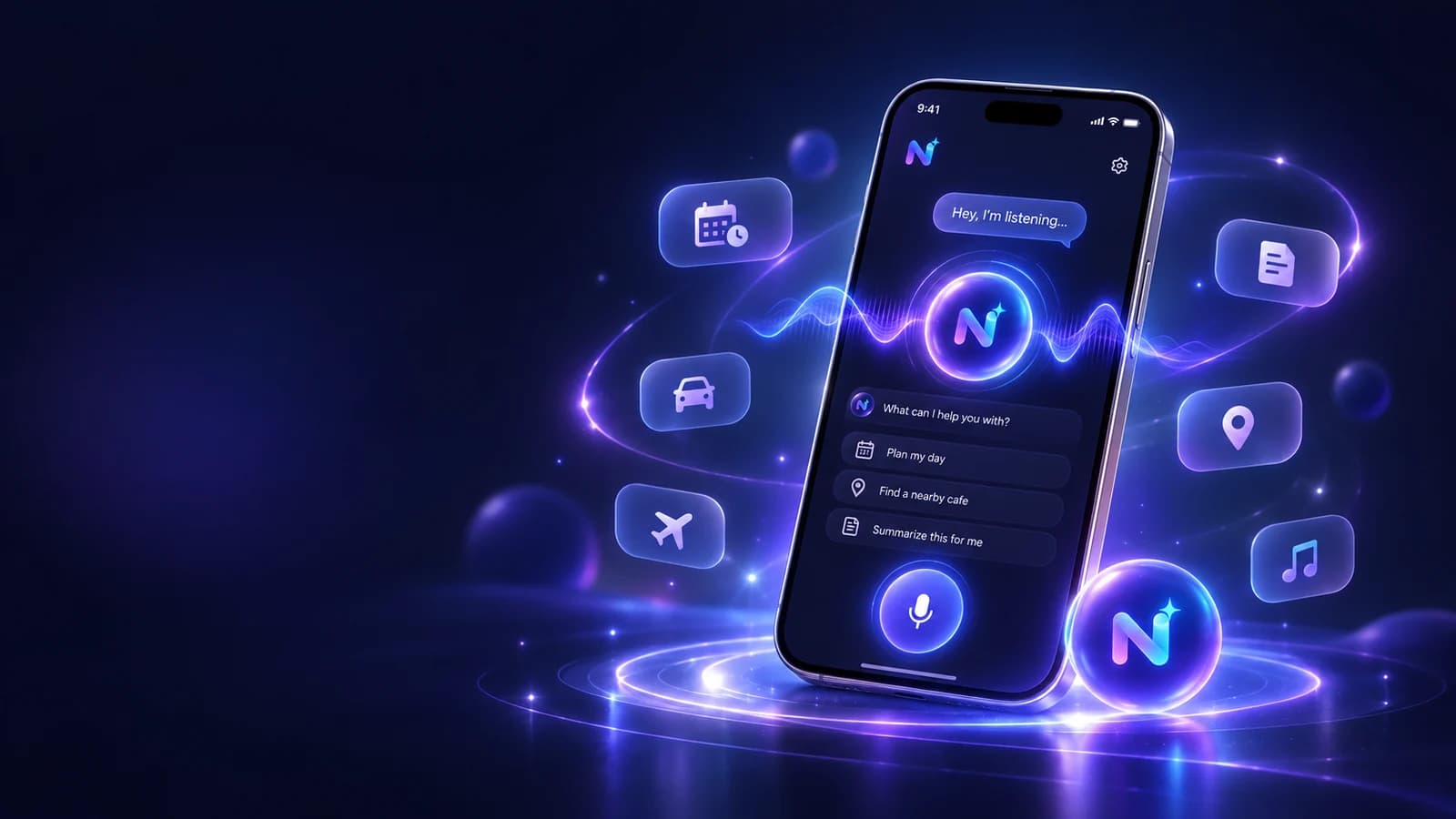
Quick answer: what makes an AI voice assistant useful?
An AI voice assistant app is useful when speaking removes the friction that stops you from capturing a thought, asking a question, or creating a reminder. The experience is stronger when voice is connected to the rest of the app, so the conversation can lead to tasks, notes, documents, or saved context instead of disappearing after the call ends.
NURA currently offers two voice modes: Live Voice for real-time conversation and voice messages inside chat. This gives you a fast option for a back-and-forth discussion and a lower-pressure option when you simply want to record a spoken thought.
Live Voice vs voice messages
Live Voice is best when you want an interactive exchange: planning a trip, talking through a decision, or clarifying a document. Voice messages are better when you want to capture something quickly and let the assistant process it as a normal chat message.
The distinction matters for cost and attention. Live sessions can consume more voice allowance, while a short voice message can be more efficient for a single instruction. Choose the mode based on the task, not because one feels more futuristic.
| Situation | Better mode | Reason |
|---|---|---|
| Talk through a complicated plan | Live Voice | You can interrupt, clarify, and refine in real time |
| Capture a reminder while moving | Voice message | Fast one-way capture with less session overhead |
| Give exact reference numbers | Text | Easier to verify character by character |
| Brainstorm ideas | Live Voice | Conversation keeps momentum |
| Record a quick thought | Voice message | Minimal friction and easy to revisit |
Where hands-free AI actually helps
Voice is most valuable in the moments when your hands or eyes are busy: walking, cooking, packing, commuting as a passenger, or moving between tasks. It can also help when the thought is too long to type cleanly. Speaking lets you include the context first, then ask the assistant to structure it.
Avoid using voice when it would be unsafe, socially inappropriate, or likely to expose sensitive information to people nearby. Hands-free should not mean attention-free; do not interact with an app in a way that distracts you from driving or another safety-critical activity.
Turn the idea into a real workflow with NURA.
Start free on iOS or Android. Keep the official store link one tap away.
How to reduce voice and transcription mistakes
Voice interfaces add another layer where mistakes can happen. A model may understand the intent but a transcription system may mishear a name, amount, date, or medicine. Build a verification habit for exact information.
A good rule is: if one wrong character could matter, check it on screen. That includes booking references, email addresses, times, account numbers, medication names, and financial amounts.
- 01
Speak the main instruction in one clear sentence.
- 02
Pause before names, dates, or numbers that need extra accuracy.
- 03
Ask the assistant to repeat the structured details back to you.
- 04
Correct any transcription error before saving a reminder, event, or record.
- 05
Use text for the final exact value when precision matters more than speed.
Voice privacy: what to check before you talk about personal life
Voice can feel more intimate than typing because people naturally say more when they are talking. Before using voice for personal information, understand microphone permissions, what audio or transcripts are stored, whether content is sent to an AI provider, and how the conversation can be deleted.
NURA’s privacy policy states that microphone access is requested through features that need it, and that content required for an AI request may be sent from the backend to a configured AI provider. The policy also describes authenticated user storage and deletion flows. Review those details before deciding what you are comfortable saying aloud.
Start free. Upgrade when your usage earns it.
Pricing is visible on every NURA guide so you can compare the app before you download. Current website plan prices are shown below; confirm the live billing page before purchase.
Free
50 AI messages · 5 Live Voice min · 2 AI images · 200 MB vault
NURA Plus
500 AI messages · 45 Live Voice min · 10 AI images · 2 GB vault
NURA Pro
1,500 AI messages · 150 Live Voice min · 30 AI images · 10 GB vault
How NURA voice allowances change by plan
The Free plan currently includes 5 Live Voice minutes per month, NURA Plus includes 45 minutes, and NURA Pro includes 150 minutes. Website pricing is £0, £9.99 per month, and £19.99 per month respectively. If voice is your main workflow, the voice-minute allowance is a more useful comparison than the plan name.
When voice is the better interface — and when text wins
Voice is strongest for high-context, low-precision capture. Talking through what you need for a trip, dumping a list of errands, describing what is in a photo, or explaining why a reminder matters can be faster than typing. You can speak naturally, include side details, and let the assistant help structure the result afterwards. That is especially useful when the alternative is postponing capture until the thought is forgotten.
Text is stronger when every character matters. Booking references, email addresses, medication names, account numbers, exact amounts, and unusual place names are easier to inspect when they are typed or copied from a source. Even if you start with voice, move to the screen for the verification step. The same applies when the environment is noisy or when speaking personal information would expose it to people nearby.
A practical hybrid workflow is to speak the messy context and then review the structured result in text. For example, talk through tomorrow’s obligations, ask NURA to turn them into a short plan, and then confirm each exact time before creating reminders. This keeps the speed advantage of voice without pretending speech recognition or AI interpretation is infallible. That review habit matters even when the conversation itself feels effortless.
| Situation | Start with | Why |
|---|---|---|
| Brain dump or planning conversation | Voice | Fast capture of context and relationships |
| Exact reference or amount | Text / copy | Easy character-by-character verification |
| Hands busy, attention available | Voice | Lower interaction friction |
| Public or sensitive environment | Text | Reduces accidental disclosure to people nearby |
| Critical date or deadline | Either + visual review | The final saved value should be checked on screen |
Try NURA voice on your normal routine
Download NURA, pick one moment where typing is usually inconvenient, and try the same voice workflow several times. If it consistently saves steps and you are comfortable with the privacy settings, then expand to planning, files, and other life areas. The personal AI assistant pillar explains how those workflows connect.
NURA is live on both the Apple App Store and Google Play. Use the official store buttons below.
Frequently asked questions
What is the difference between Live Voice and a voice message?
Live Voice is a real-time conversation where you can respond immediately, while a voice message is a spoken message sent into the chat workflow. Live Voice is better for back-and-forth thinking; voice messages are useful for quick capture when you do not need a continuous session.
Does NURA AI support voice on iPhone and Android?
NURA’s current Apple and Google Play listings both describe voice features, including Live Voice and voice messages. Availability and exact behaviour can change by app version, so keep the app updated and check the current store listing for release notes.
Is an AI voice assistant safe to use while driving?
Do not use an AI assistant in a way that distracts you from driving. Even hands-free interaction can take attention away from the road. Use voice only where it is legal and safe, and avoid reviewing screens or correcting detailed information while driving.
Which NURA plan is best for voice?
Choose based on your actual voice usage. Free currently includes 5 Live Voice minutes per month, Plus 45 minutes, and Pro 150 minutes. Start with Free and measure how quickly you use the allowance before paying for a larger tier.
NURA AI Editorial Team
Your life, organized by AI.Research and content team for NURA AI. This guide uses current NURA product, billing and privacy information and is updated as the app changes. Important information should still be verified against the live app, store listing, privacy policy and billing page.