
Quick answer: how do you organize your life with AI?
Use AI as the front door for capture and organisation, not as a replacement for every app or decision. Start by choosing the life areas where information gets lost, then create a simple rule for what should become a task, reminder, note, document, or saved context. The system works when you spend less time maintaining it than you save using it.
NURA is designed around this “one assistant across life areas” approach, with chat, voice, reminders, files, expenses, travel, health organisation, household context, and other personal records in the same product.
Step 1: find the places where your life currently leaks attention
Before adding AI, list the repeated moments that create mental load. Maybe screenshots become forgotten tasks. Appointments live in messages instead of your calendar. Travel PDFs are impossible to find. Expenses are scattered across photos and notes. The point is to identify friction, not to build a perfect taxonomy.
Choose two or three problems you experience every week. Those become the first workflows. If a problem happens once a year, do not design your whole system around it.
Step 2: create one capture habit
A system breaks when you have five places to put the same thought. Decide where new information enters. With NURA, that could be a text chat, voice message, Live Voice conversation, photo, or document attachment. The input can vary, but the destination remains one assistant.
The capture habit should be fast enough to use when you are busy. If you are still postponing capture, remove steps until it becomes easier than keeping the item in your head.

Turn the idea into a real workflow with NURA.
Start free on iOS or Android. Keep the official store link one tap away.
Step 3: separate actions from information
Not everything is a task. This distinction keeps the system calm. Actions need a verb and usually a deadline or context. Information needs to be findable later. Documents need the source file. Conversation may only need a temporary answer.
| If it is… | Store it as… | Example |
|---|---|---|
| Something to do | Task | Renew car insurance |
| Something tied to a time | Event + reminder | Dentist Thursday at 4pm |
| Something to remember | Note or selected context | Parking level B2 |
| A source document | File/document record | Policy PDF |
| A number to track | Expense or structured record | £32 grocery spend |
Step 4: use reminders only when timing changes behaviour
A reminder is useful when seeing the message at a specific moment helps you act. It is not useful when every task has three notifications. Use reminders for deadlines, appointments, recurring responsibilities, and things that must happen in a particular context.
Ask the assistant to confirm the date and time before saving high-impact reminders. For recurring responsibilities, use a repeat pattern instead of creating the same item manually each time.
Step 5: run a short weekly reset
AI can capture and organise, but you still need a human review. Once a week, check unfinished tasks, upcoming appointments, recent documents, and anything you saved “for later.” Delete what no longer matters. Clarify vague items. Move only the tasks you still intend to do.
This is also where you notice whether the assistant is saving too much context. Memory is useful only when it improves future help. If a detail has no future value, do not keep it simply because the product can.
Start free. Upgrade when your usage earns it.
Pricing is visible on every NURA guide so you can compare the app before you download. Current website plan prices are shown below; confirm the live billing page before purchase.
Free
50 AI messages · 5 Live Voice min · 2 AI images · 200 MB vault
NURA Plus
500 AI messages · 45 Live Voice min · 10 AI images · 2 GB vault
NURA Pro
1,500 AI messages · 150 Live Voice min · 30 AI images · 10 GB vault
Step 6: expand by life area, not by feature
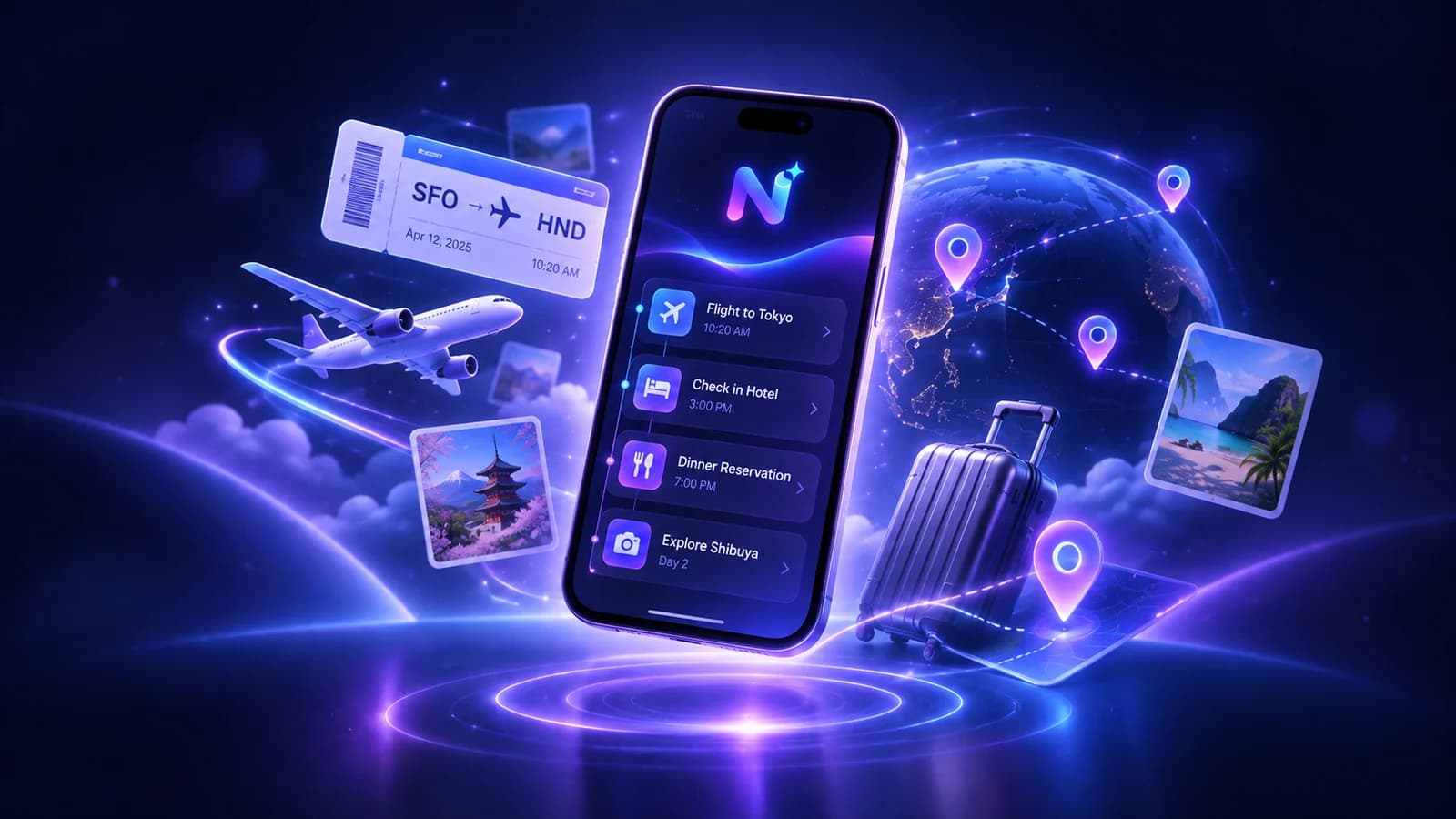
After the first workflow is stable, add another area such as travel, documents, home, vehicles, expenses, family, or health organisation. Think in outcomes: “I want travel details in one place” is better than “I want to use the document scanner more.” Features are tools; life areas are where the benefit appears.
Step 7: define what AI should not decide for you
Your system should have boundaries. AI can summarise a health document, but it should not replace a qualified medical professional. It can organise a contract, but not become your lawyer. It can track an expense, but not make financial decisions without your judgment. The clearer the boundary, the safer and more useful the assistant becomes.
- Verify high-stakes facts against the original source.
- Do not grant permissions you do not need for the workflow.
- Delete context that no longer improves future assistance.
- Keep a human review for deadlines, money, health, legal matters, and important commitments.
Start free before you optimise the plan
NURA currently offers Free at £0, Plus at £9.99 per month, and Pro at £19.99 per month. Start on Free while you build the habit. If your workflow works but you consistently run into chat, voice, image, or storage limits, then the higher tier has a clear reason to exist for you.
Turn the weekly reset into a simple AI-assisted review
A weekly review is where a life-organisation system stops being a pile of captured information. Pick a consistent time and ask the assistant to help you inspect the next seven days, unfinished actions, recent documents, expenses that still need attention, and context you saved for later. The AI can surface and summarise; you decide what still matters and what is no longer worth carrying forward.
Keep the review short enough to repeat. Start with upcoming fixed commitments, then look at overdue or unfinished actions, then check whether any document or note needs a concrete next step. Finish by deleting duplicates and stale information. If a task has been postponed three weeks, do not automatically move it again. Decide whether to do it, schedule it, delegate it, or remove it.
Use the review to audit the AI system itself. Are reminders arriving at useful times? Are you saving context you never use? Is voice capture creating more cleanup than it saves? Are important source documents still easy to verify? A personal AI setup should become simpler as you learn what matters. If it keeps growing in complexity, reduce the number of categories and automations until the system feels calm again.
- Next 7 days: confirm fixed commitments and preparation tasks.
- Open loops: decide what to do with unfinished items instead of blindly rolling them forward.
- Recent information: turn useful documents or notes into concrete actions only when needed.
- Stored context: remove details that no longer improve future help.
- System quality: adjust reminders, permissions, and capture habits that are adding friction.
Use NURA as the front door to one real-life workflow
Download NURA and choose one problem from your week. Capture it in the fastest format, organise it into the right type, and make sure the result is easier to retrieve than your previous method. Repeat until the workflow becomes automatic. Then add another life area.
The goal is not maximum AI. The goal is fewer loose ends, less repeated admin, and more reliable follow-through.
Frequently asked questions
What is the easiest way to start organizing life with AI?
Pick one repeated problem and use AI only for that workflow at first. Reminders, daily planning, or document summaries are good tests because the value is easy to judge. Once the workflow reliably saves time, expand to another life area.
Should AI manage my entire life automatically?
No. Use AI to reduce capture, organisation, retrieval, and drafting work while keeping human review for important decisions. High-stakes health, legal, financial, safety, or contractual information should be checked against qualified sources and original documents.
How do I stop an AI organizer becoming another app to maintain?
Keep one capture habit, separate actions from information, use reminders selectively, and run a short weekly reset. If a feature creates more fields and maintenance than the old workflow, simplify it or stop using it.
Can NURA organize different parts of life in one app?
NURA’s current product and store descriptions cover tasks, reminders, events, notes, expenses, files, travel, health organisation, family, home, vehicles, and other personal context. Use only the areas that reduce real friction for you.

NURA AI Editorial Team
Your life, organized by AI.Research and content team for NURA AI. This guide uses current NURA product, billing and privacy information and is updated as the app changes. Important information should still be verified against the live app, store listing, privacy policy and billing page.